
Overview
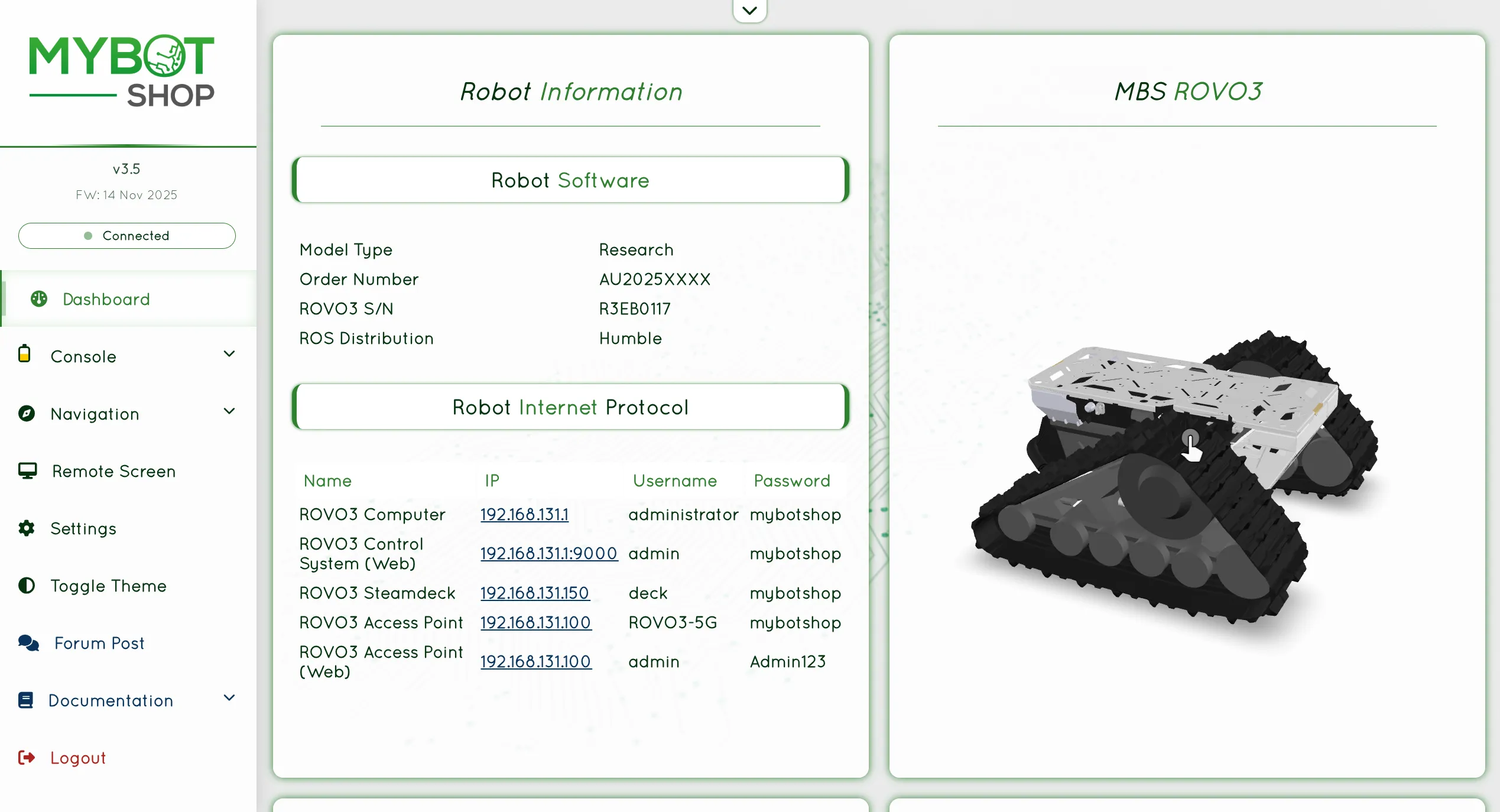
The ROS2 webserver module is included by default in integration-oriented deployments.
It provides a browser-based interface for monitoring, control, and diagnostics.
The interface is accessible over the local network using the device’s IP address on port 9000.
Configuration
Behavior is defined in config/robot_webserver.yaml and config/robot_info.yaml,
covering enabled panels, communication settings, authentication, navigation,
manipulation, and custom command bindings. See Configuration for the full
parameter reference.
Login Credentials
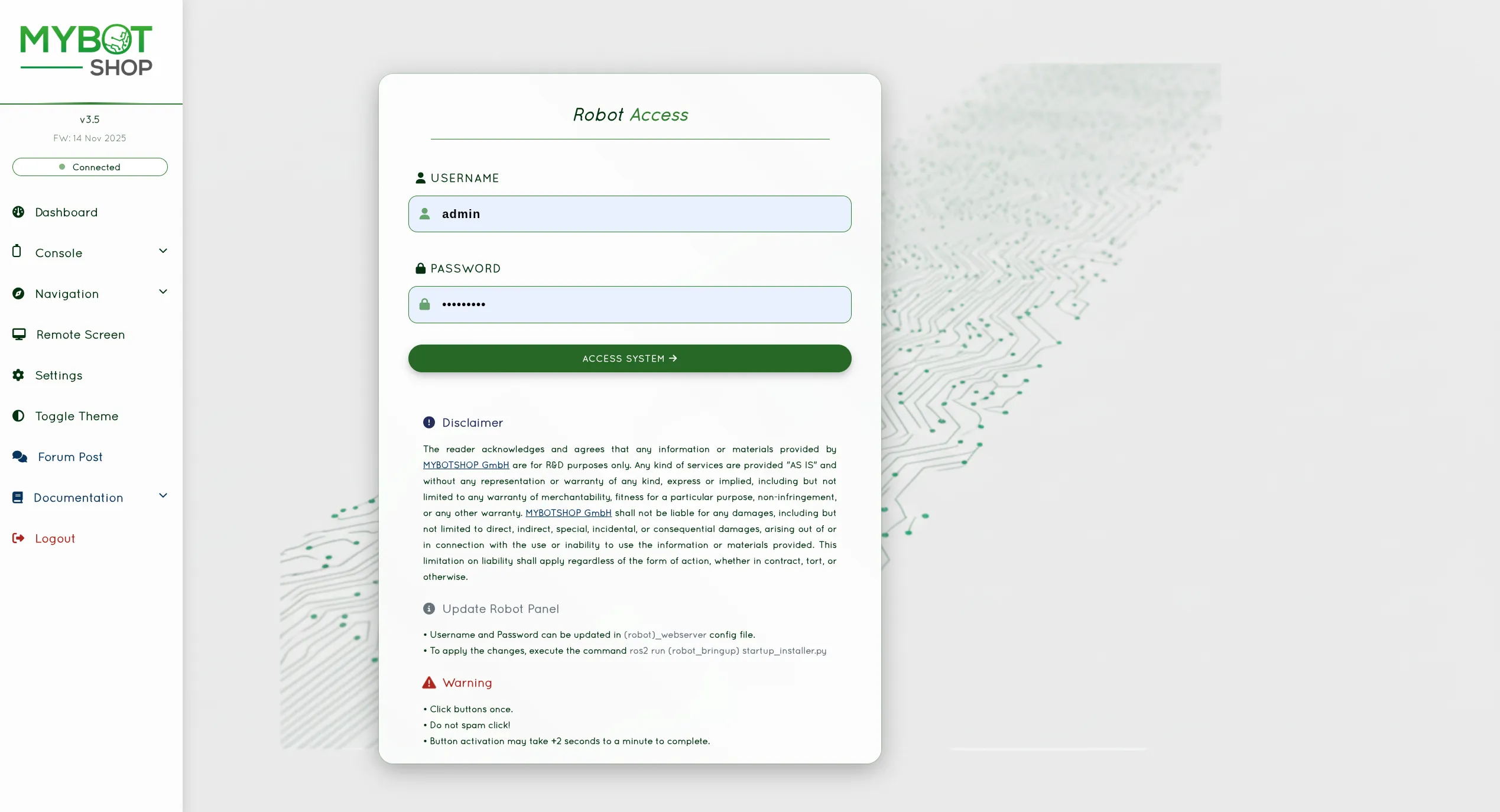
Default access credentials:
Username:
adminPassword:
mybotshop
These can be updated through the configuration file.
Dashboard
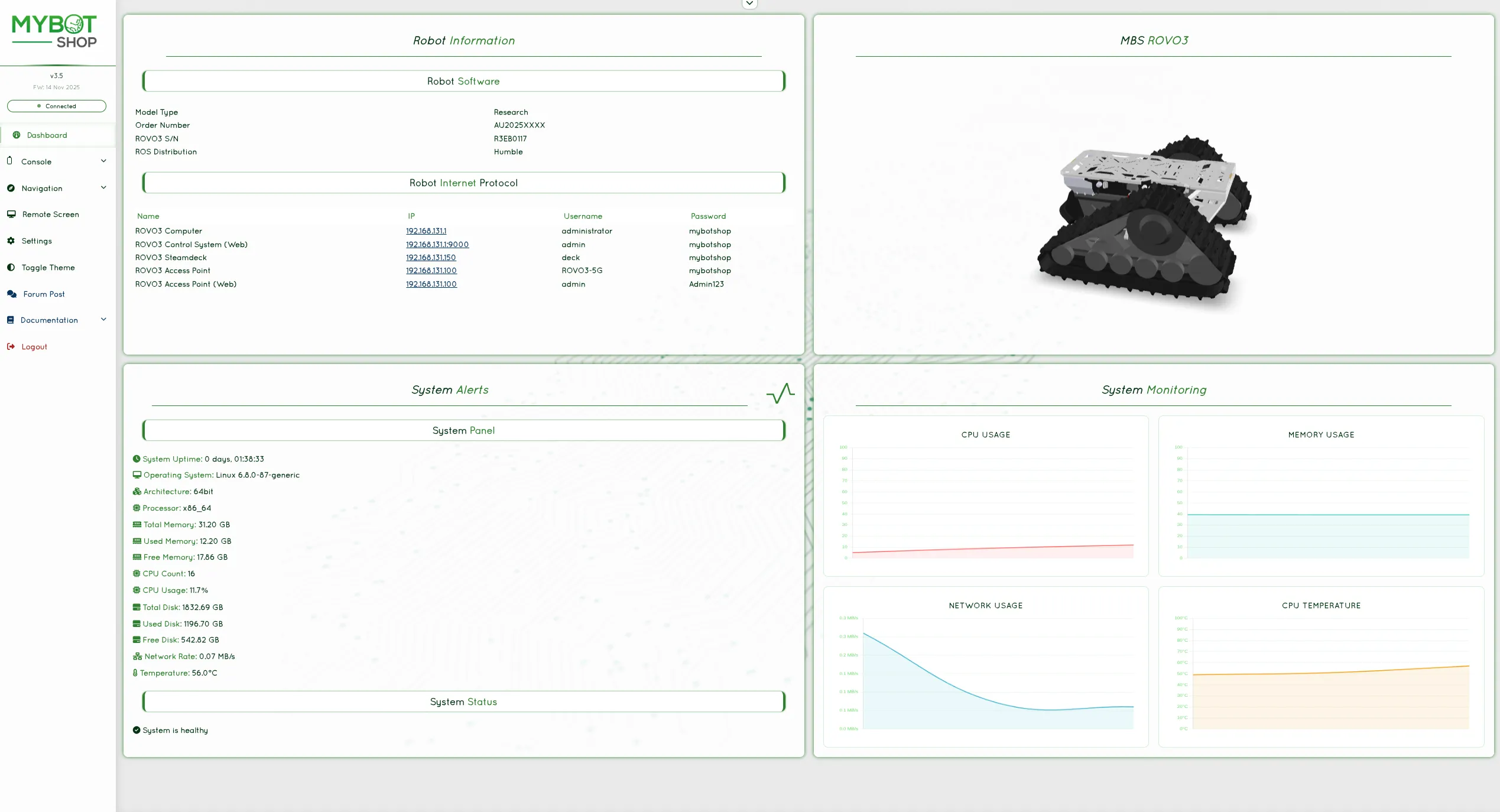
The dashboard offers a concise system overview, including:
Robot operational status
Model information
Network interface details
System load and resource utilization
Console
Control Panel
Video Control
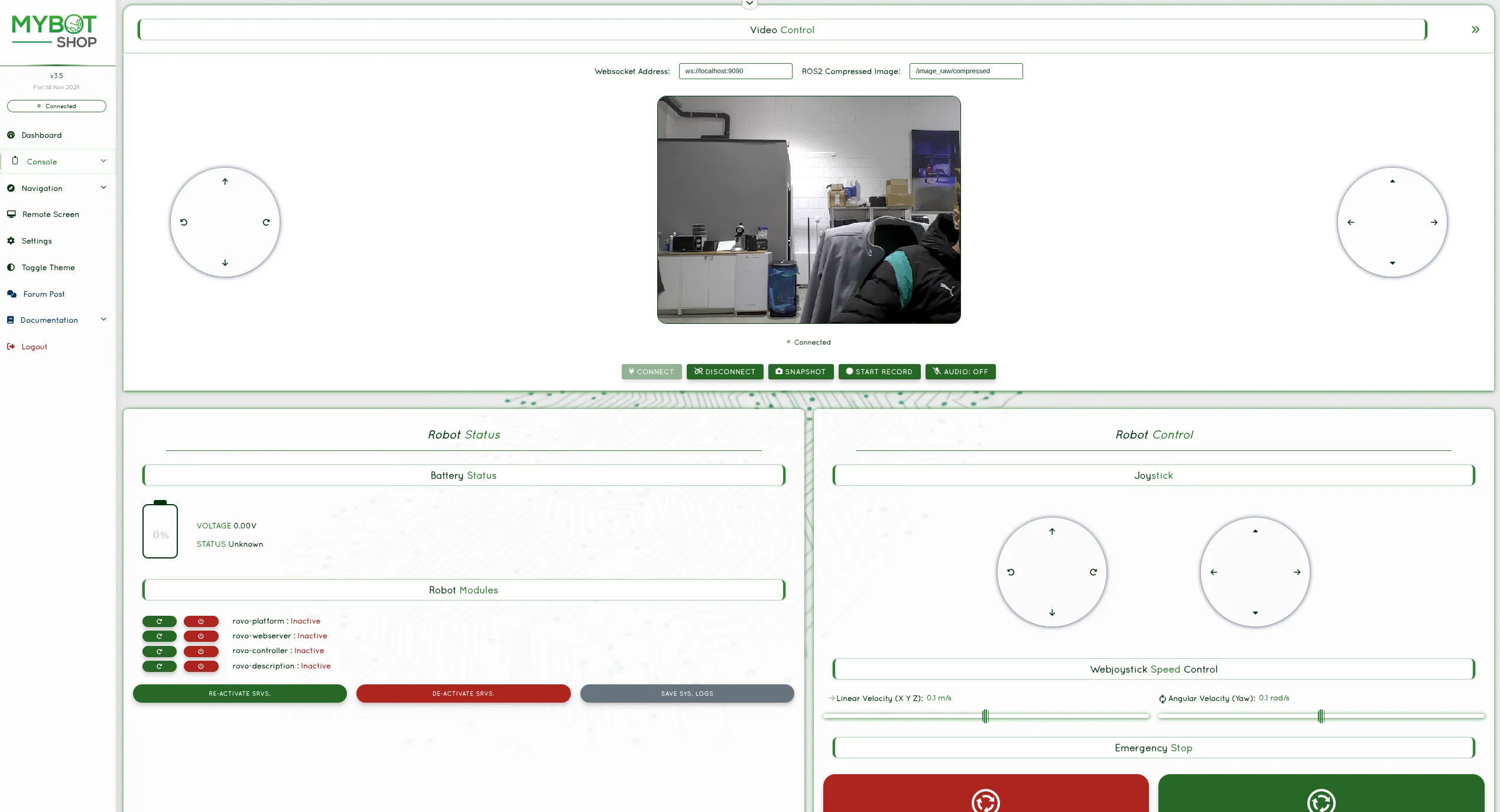
The video module displays real‑time camera feeds. Image topics are delivered to
the browser over a low‑latency WebRTC stream (served on port 9003), while
non‑image data is delivered over a WebSocket bridge. Multiple ROS2 compressed
image topics are supported and can be configured for additional sensors.
Robot Teleoperation

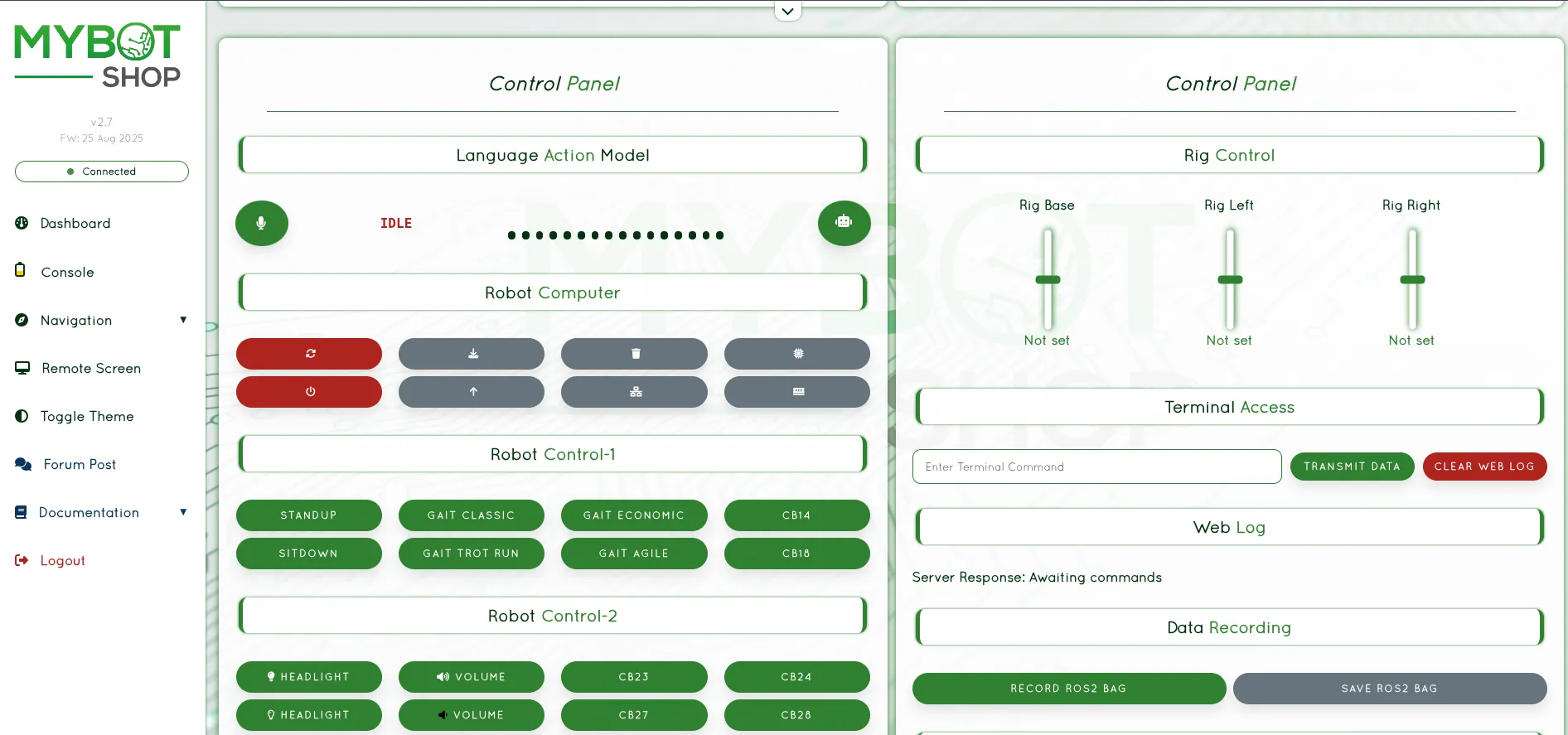
The console integrates essential operational controls, including:
Enabling and disabling ROS2 services
System log recording
Battery and power monitoring
Configurable action buttons for triggering ROS2 services
Web‑based joystick for teleoperation
Online image streams
Optional conversational assistant (speech‑to‑text, AI, and text‑to‑speech)
Telemetry Panel
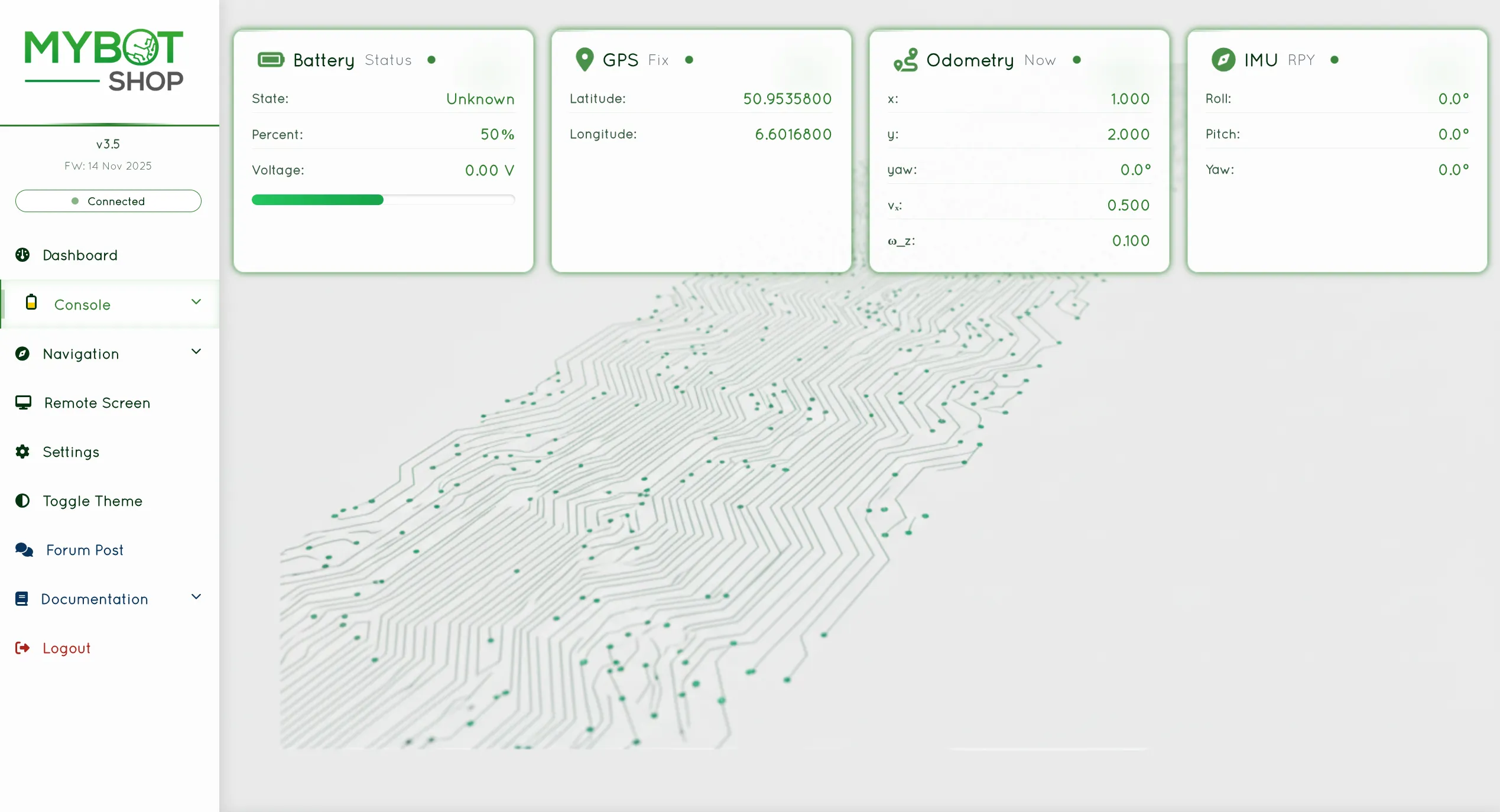
The telemetry panel presents live data from onboard sensors such as:
Battery state
GPS fix and position
Odometry
IMU readings
Navigation Modules
Indoor Navigation
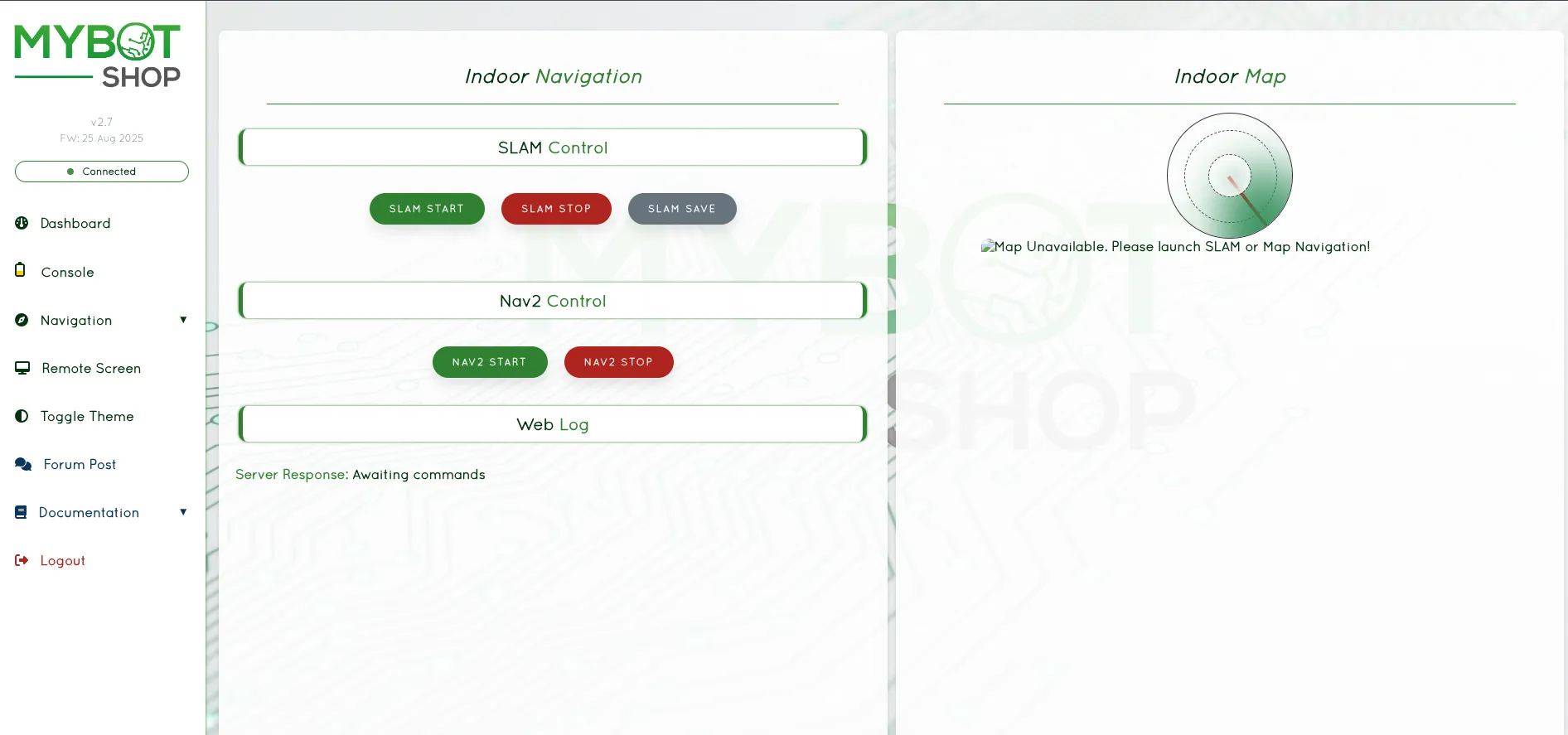
Indoor navigation utilizes SLAM and Nav2 to support autonomous movement in structured indoor environments.
Outdoor Navigation
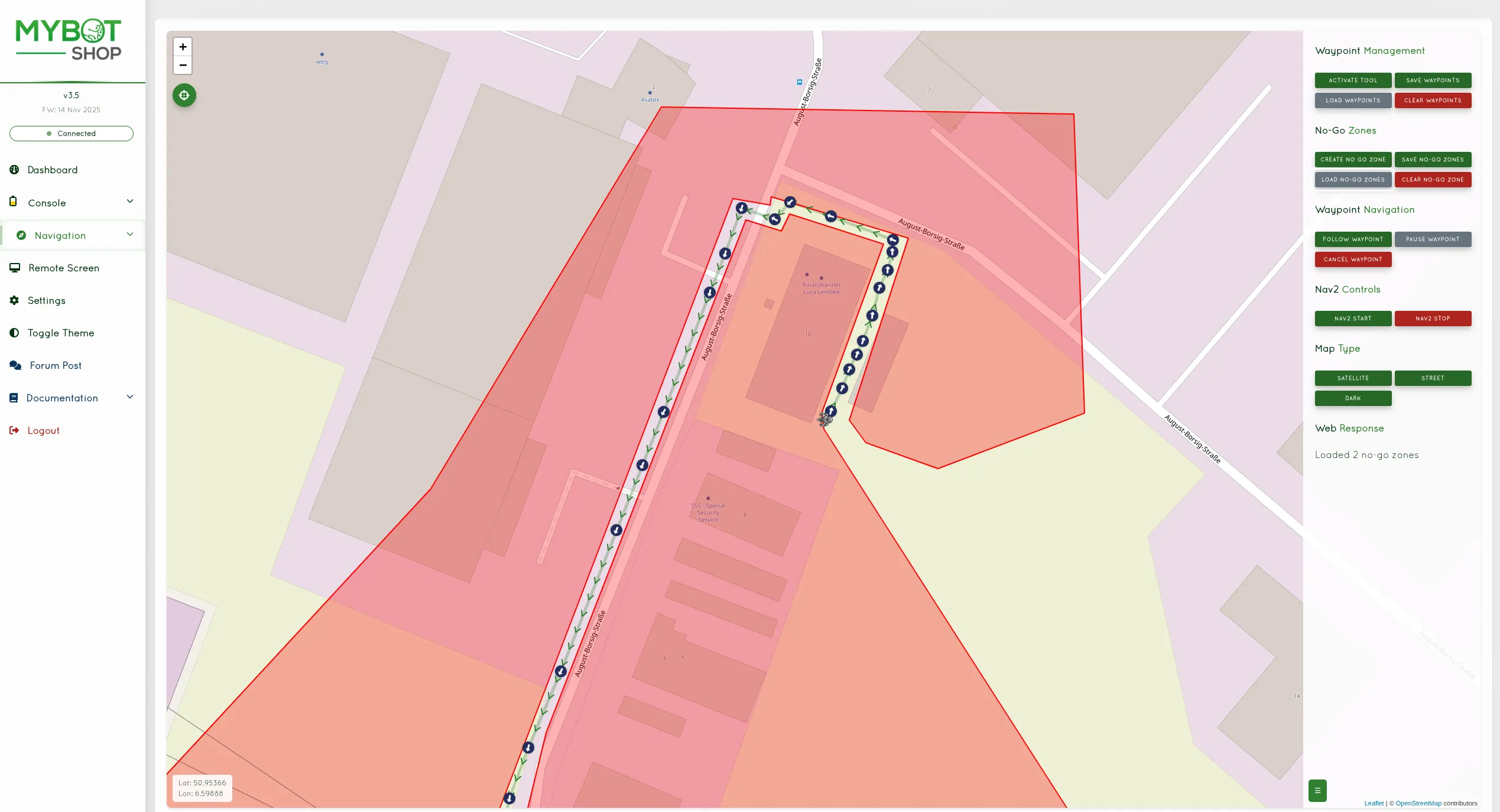
Outdoor navigation combines GPS data with the Nav2 stack to enable path planning in open and mixed-terrain environments.
Both indoor and outdoor modes support saved waypoints, no-go zones, patrol routes, and map management. Each waypoint can also trigger an ordered sequence of skills on arrival — see Skills and Missions for details.
Remote Screen
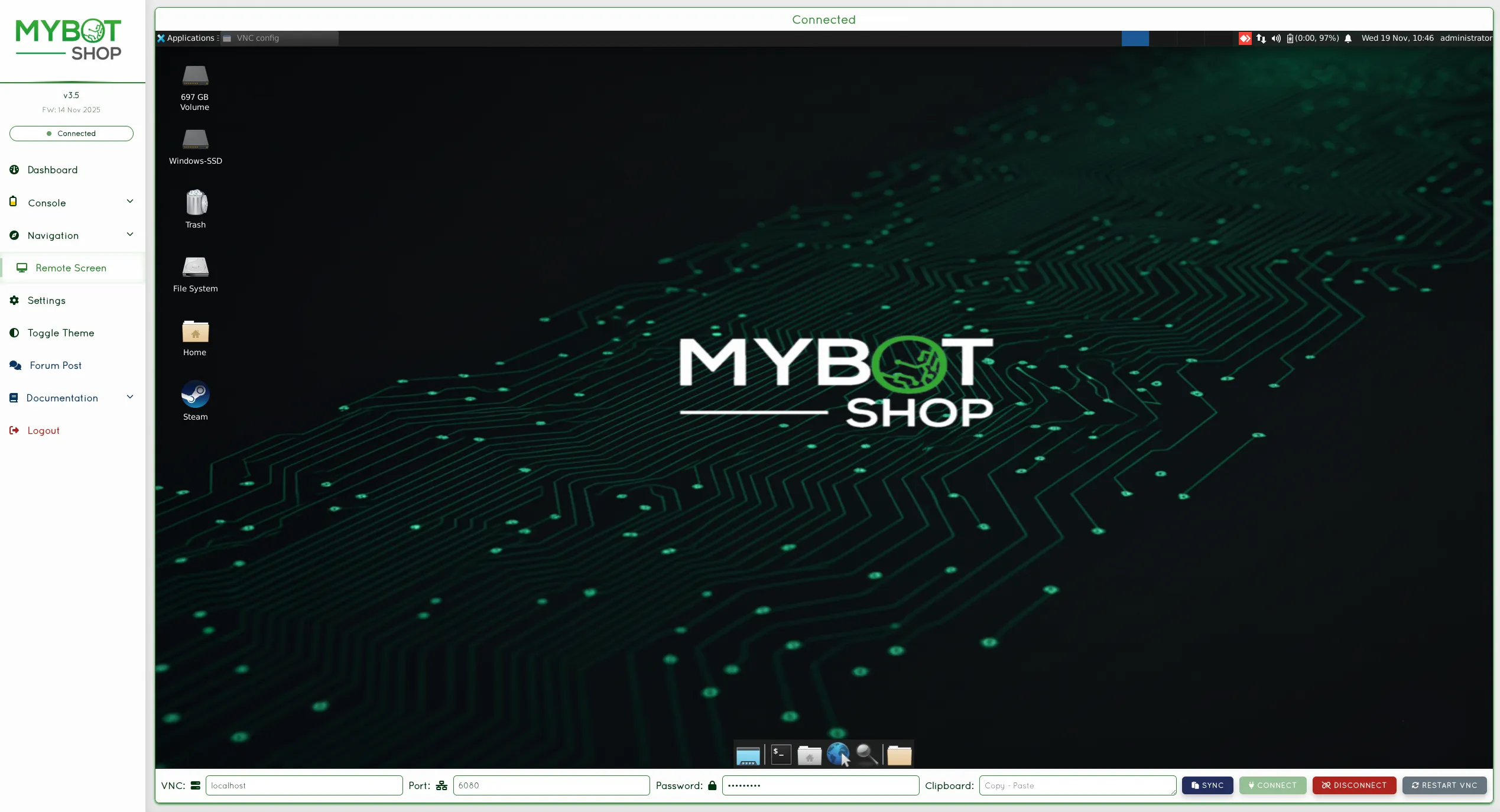
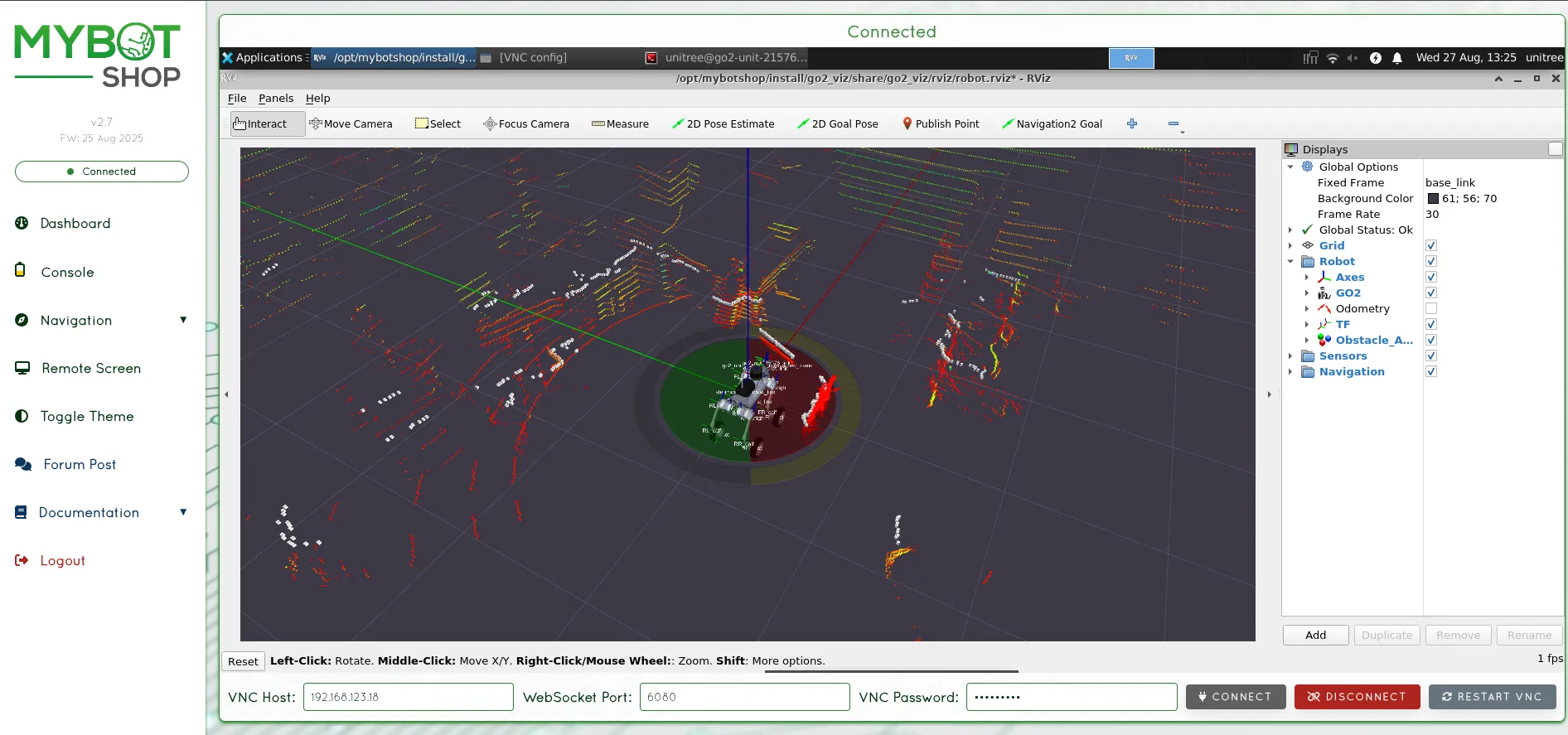
The remote screen feature offers in-browser access to the robot’s onboard computer using a VNC-based interface.
Settings
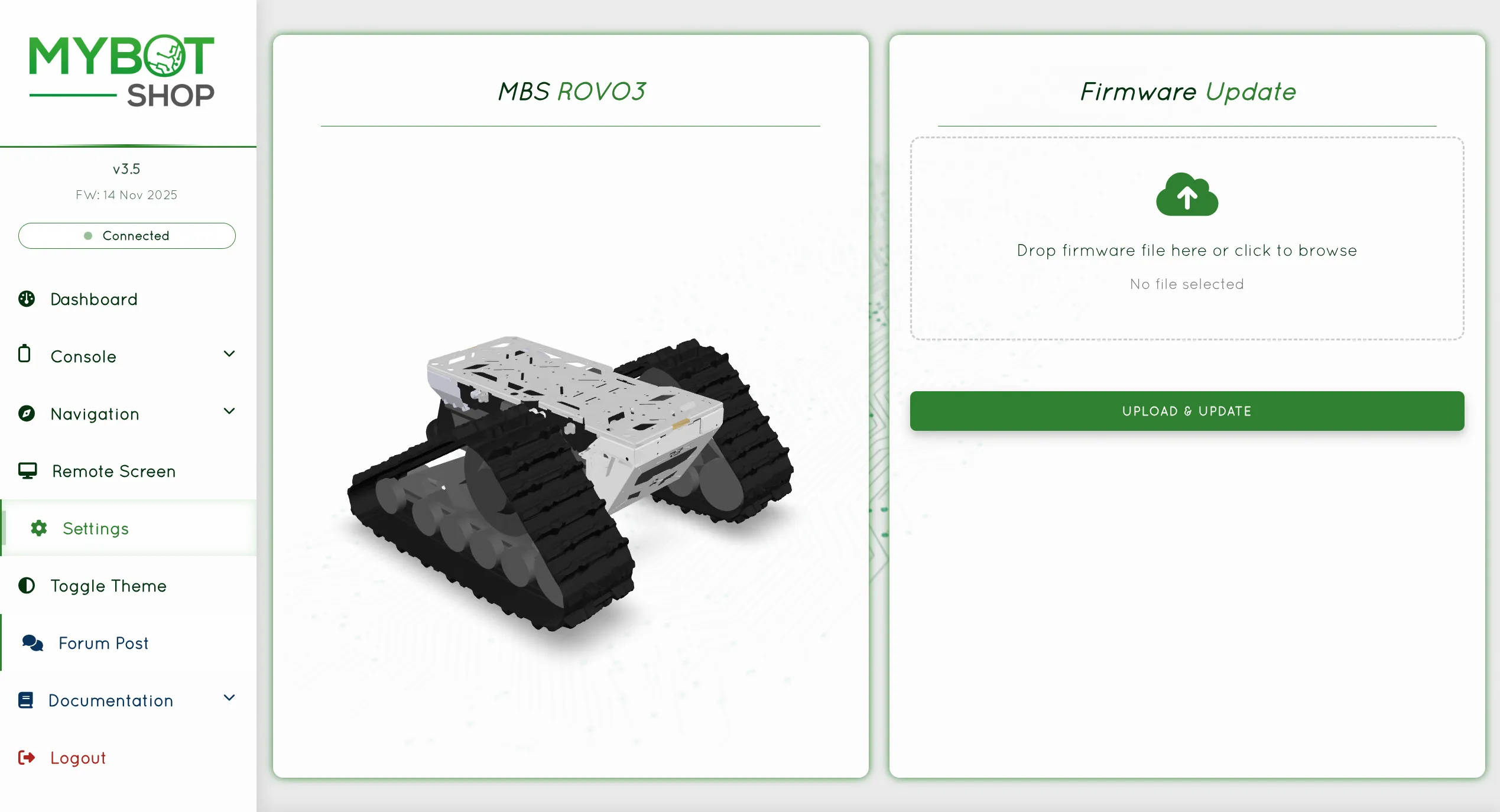
The settings panel allows updates to custom ROS2 modules and configuration components of the robot system.
Documentation
This section links to supplementary documentation, tutorials, and API references
for further development and integration guidance. An interactive API reference
(OpenAPI / Swagger UI) is served by the webserver at /api/docs/ for exploring
the available endpoints.