
Overview
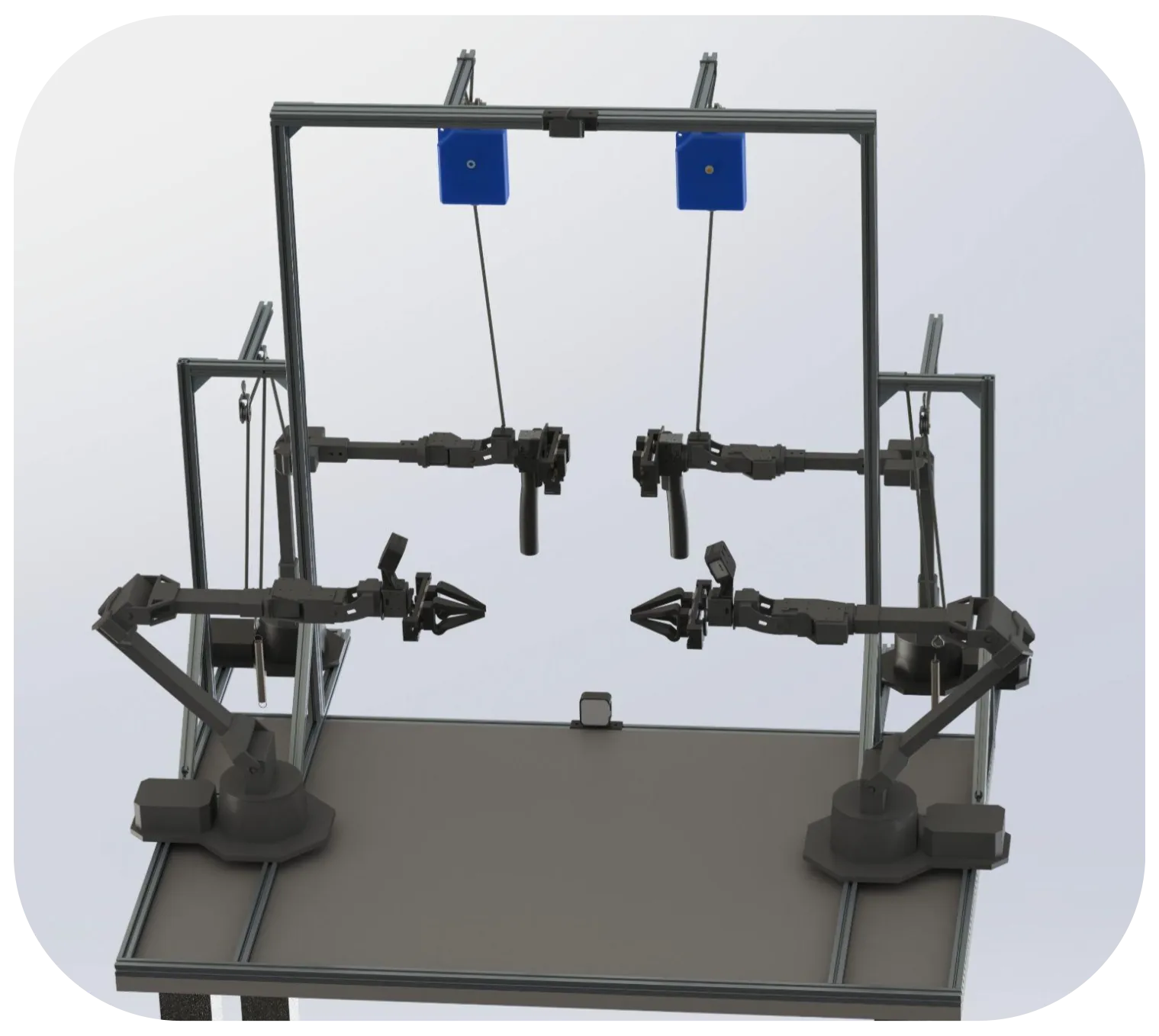
ALOHA 2 is a next-generation, low-cost platform for bimanual teleoperation. It combines high-precision control with an affordable, open-source design to enable complex manipulation and data-driven research in robotics and automation.
ALOHA 2: Advancing Low-Cost Bimanual Teleoperation
ALOHA 2 is designed for high-precision two-arm teleoperation with a focus on scalability, ergonomics and flexible integration into different environments—from research labs to industrial workcells.
The system’s mechanical design, gravity compensation, cameras and grippers are optimized for:
Precise, high-dimensional manipulation tasks using two coordinated robotic arms
Efficient data collection for learning-based methods
Long-duration teleoperation with reduced physical strain on the operator
Because the platform is open-source, both hardware and software can be adapted, extended and improved by the wider robotics community.
Operating Principles
The operation of ALOHA 2 combines:
Carefully engineered hardware
Accurate simulation models
Software interfaces for control, teleoperation and learning
This makes it possible to:
Adapt to a wide variety of manipulation tasks
Collect large-scale datasets
Train and validate policies in both the real world and simulation
Key Components
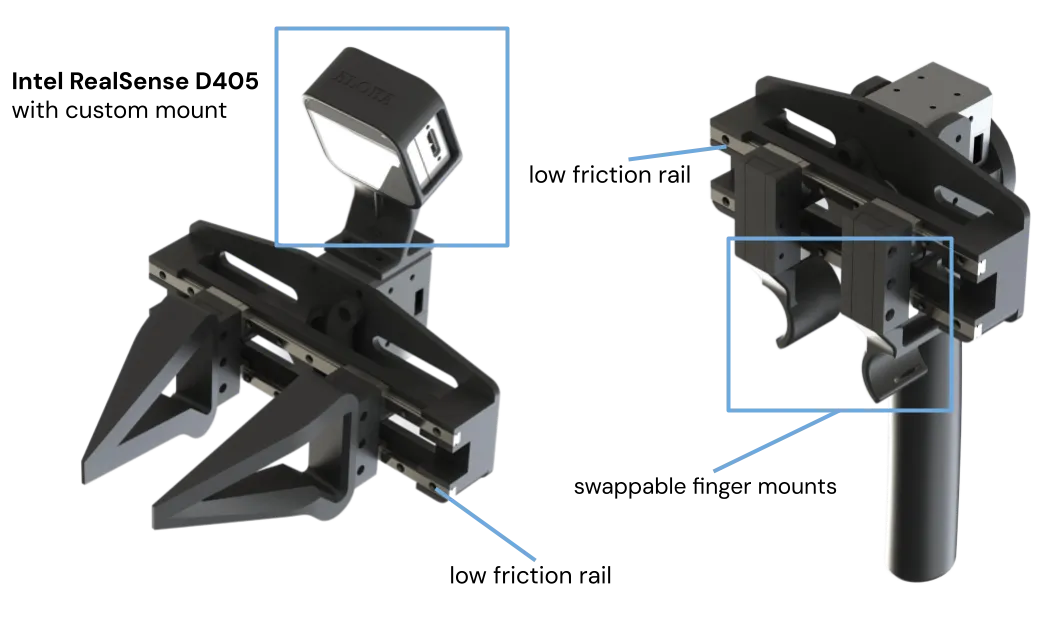
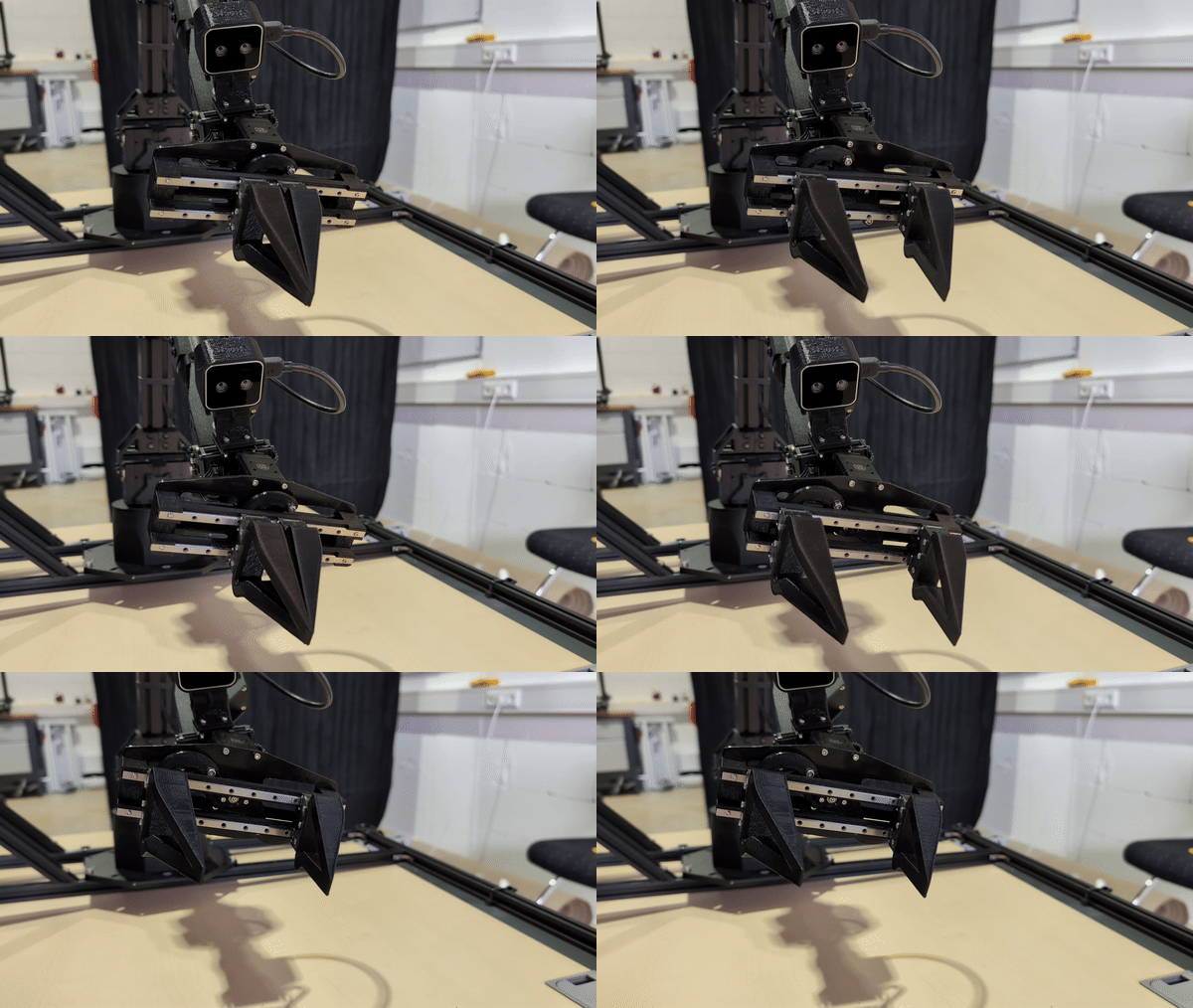
- Redesigned grippers
- Two gripper types:
Leader gripper: used directly by the human operator
Follower grippers: mounted on the robot arms
- Emphasis on:
Low latency
Good force control
Ability to handle objects of different shapes, sizes and weights
Provides intuitive operator control with precise feedback on the robot side
Frame redesign - Aluminum extrusion structure for high stiffness and low weight - Supports complex setups, larger objects and human–robot collaboration - Easy to modify and expand to suit specific experiments
- High-resolution cameras
- Intel RealSense D405 sensors give:
Dense depth information
Wide field of view
Accurate real-time 3D perception
Enables fine manipulation, object tracking and robust teleoperation in visually complex scenes
- MuJoCo simulation
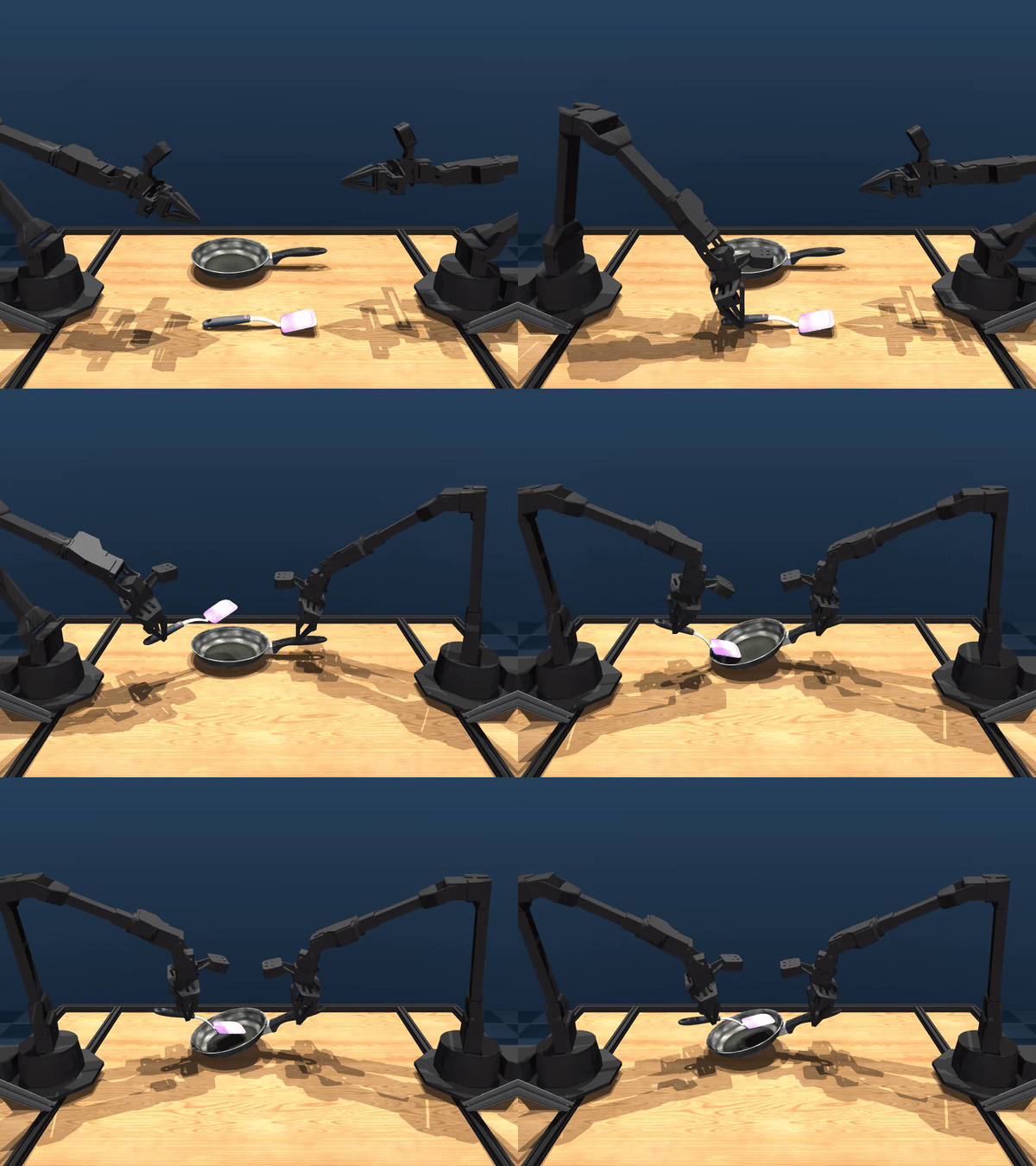
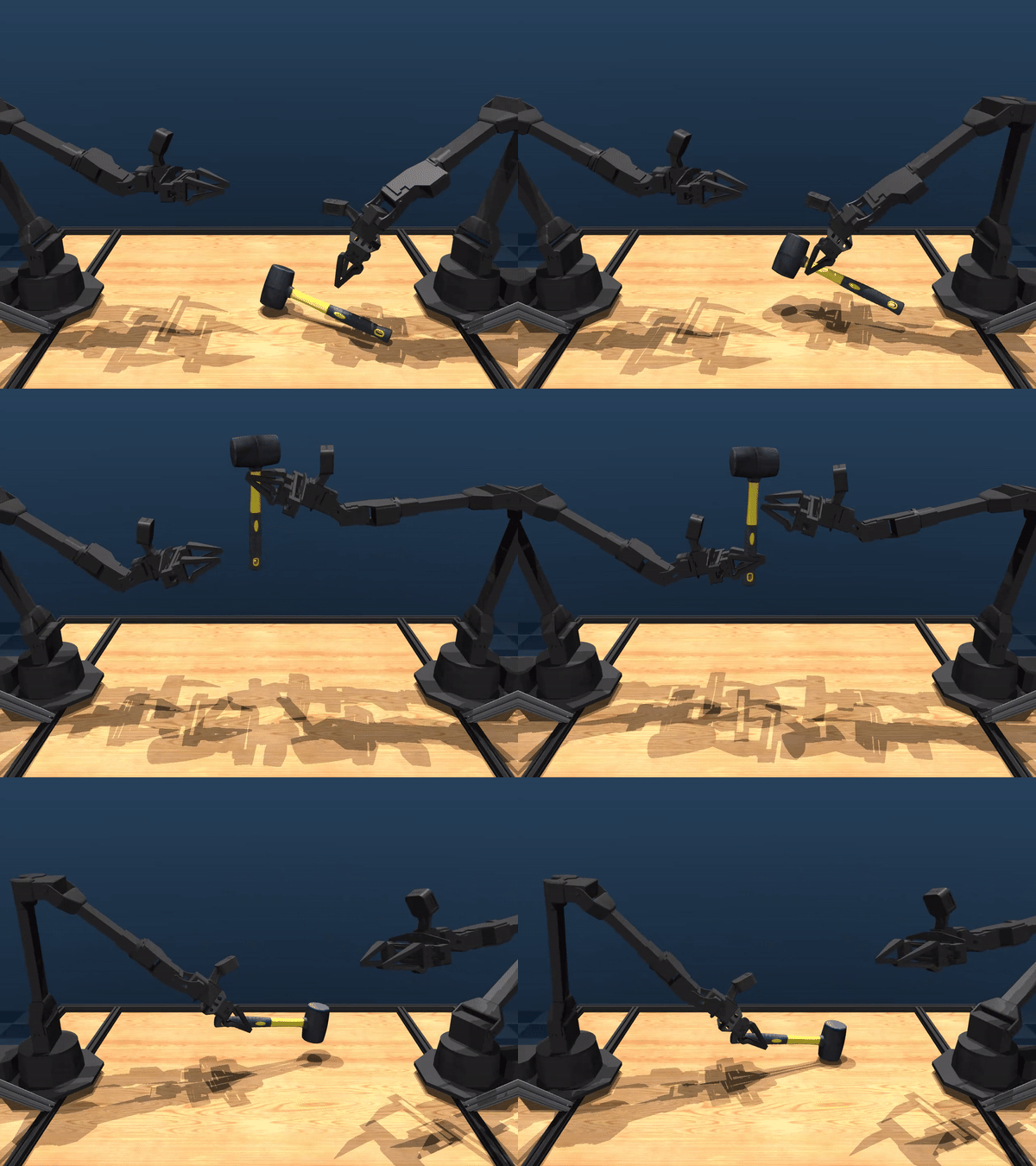
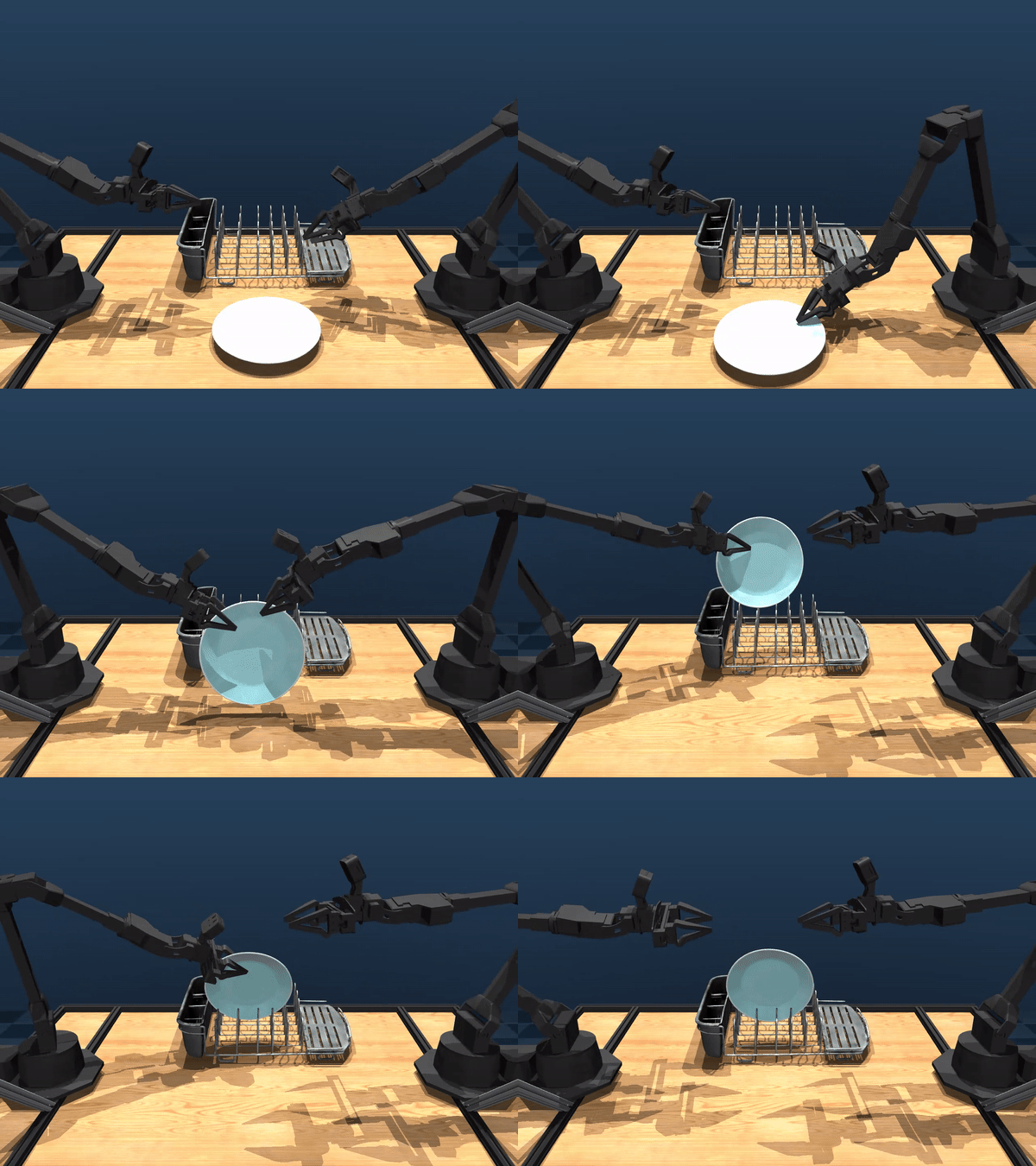
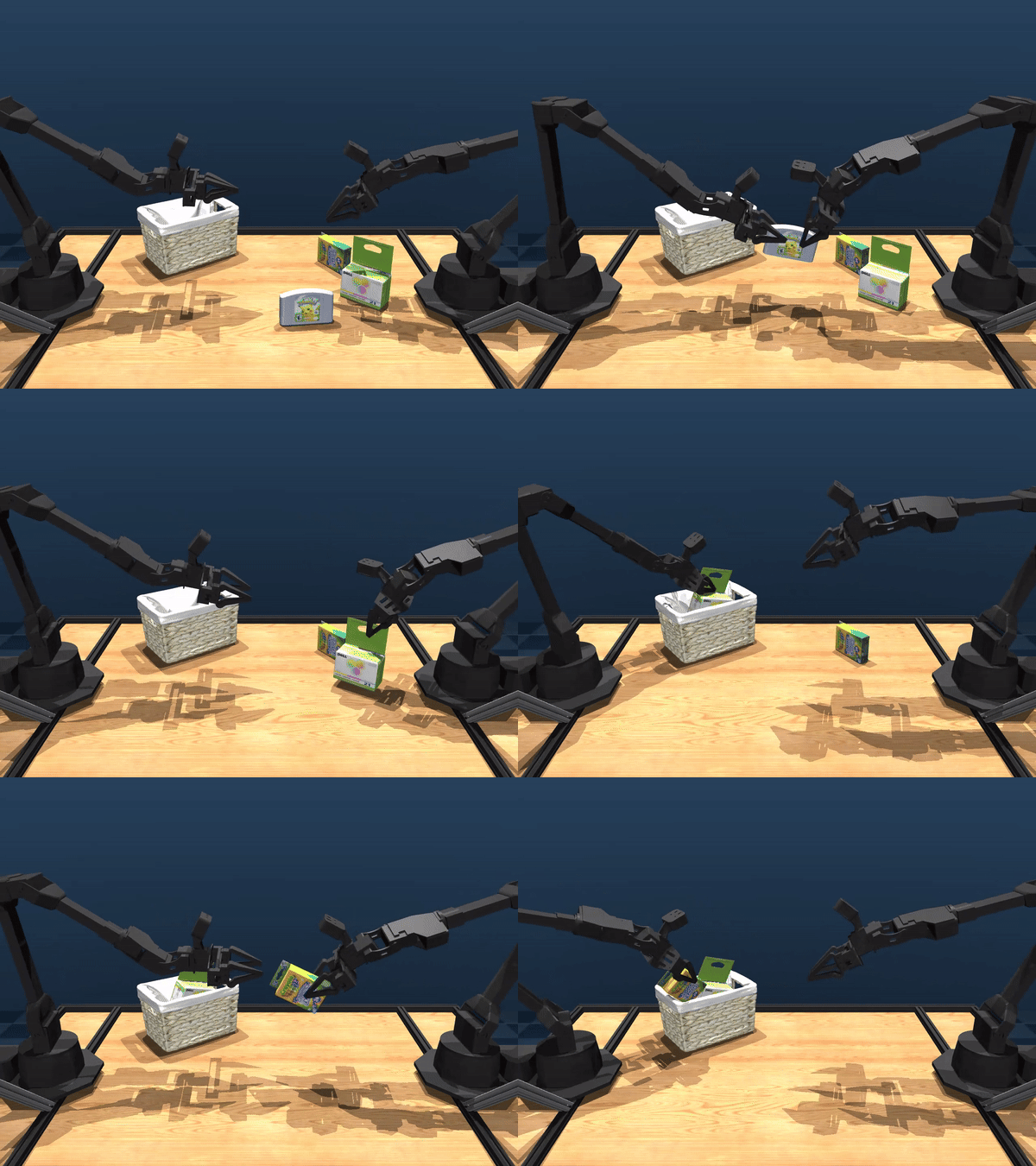
A detailed MuJoCo model of the ALOHA 2 system reproduces the real robot’s kinematics and dynamics
- Allows:
Policy training in simulation
Safety testing of algorithms
Rapid iteration on control and learning methods before deployment
The model is available in the MuJoCo ALOHA 2 repository.
Using simulation reduces wear on the physical hardware and speeds up development cycles.
ALOHA 2 targets researchers and developers who need:
Reliable, repeatable bimanual teleoperation
Open and modifiable hardware and software
A platform suitable for both research and applied industrial scenarios
Advantages
Enhanced performance - High-quality grippers with low-friction guides - Advanced gravity compensation for stable, precise motion - High-resolution depth cameras for accurate, wide-area perception
Operator-focused design - Ergonomic handles and motion paths - Intuitive teleoperation behavior - Suitable for long data-collection sessions with reduced fatigue
- Robustness and scalability
Simplified but durable mechanical design
Low maintenance and reduced downtime
- Modular structure:
Supports small lab setups
Scales to larger robotic workcells or testbeds
Because the system is open-source, users can adapt the architecture, share extensions and collaboratively evolve the platform over time.
Applications
ALOHA 2 is applicable in many areas where precise two-arm manipulation and teleoperation are valuable.
1. Robotic Learning
Enables collection of large, high-quality datasets of manipulation trajectories
Accurate grippers and reliable camera views provide rich training data for: - Object recognition - Grasping and placing - Sequential task execution and planning
2. Human–Robot Interaction (HRI)
Ergonomic operator station and adaptable frame make it suitable for shared workspaces
Use cases include: - Assembly assistance - Inspection tasks - Assistive and service robotics
3. Teleoperation
Designed for responsive, high-fidelity remote control
Potential scenarios: - Surgical or medical teleoperation - Disaster response - Handling of hazardous or sensitive materials
Intuitive controls help operators execute complex tasks even in high-risk environments.
4. Simulation Research
Tight integration with MuJoCo allows: - Training and testing of manipulation policies in simulation - Reproduction of complex scenarios at high fidelity
Greatly accelerates experimentation without stressing the physical hardware.
|
|
|
|
|
ROS Interface
Note
ROS2 interface is available as well.
The ROS1 interface simplifies teleoperation setup by integrating:
Dynamixel motor control
RealSense camera streams
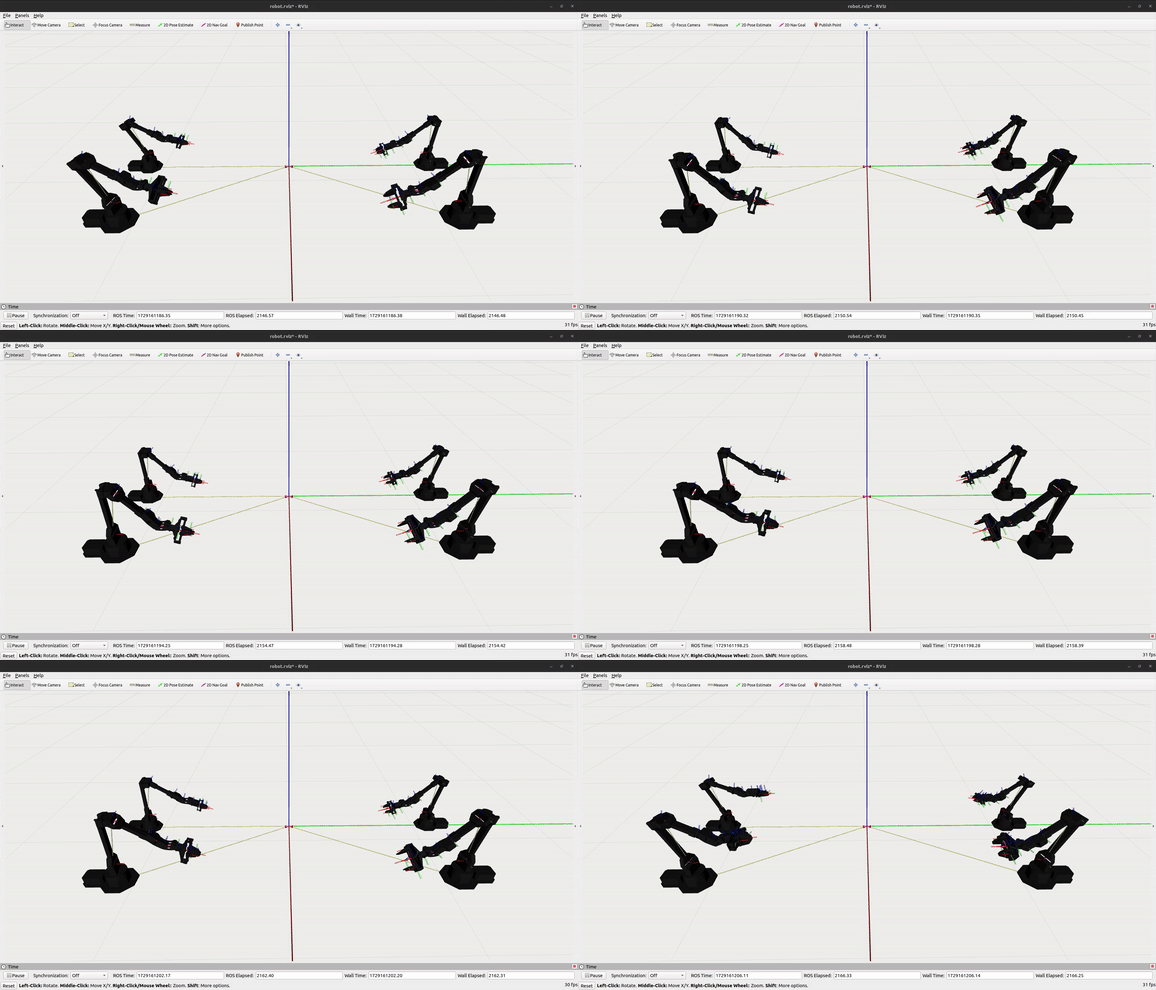
Visualization tools such as RViz
Below is an overview of the typical setup.
Setup
Install dependencies
Run the provided script:
./dependencies.sh
Check Dynamixel configuration
Use Dynamixel Wizard
Set Protocol to 2.0
Set baud rate to 1000000 (1 Mbps)
Limit the current of the gripper motors to avoid overload
Configure udev rules for serial ports
Get the serial number of each USB device:
sudo udevadm info --name=/dev/ttyUSBX --attribute-walk | grep serial
Replace /dev/ttyUSBX with the appropriate device names and then create matching udev rules so ports remain consistent.
Teleoperation
Launch the 4-arm teleoperation node:
roslaunch aloha 4arms_teleop.launch
Robot visualization
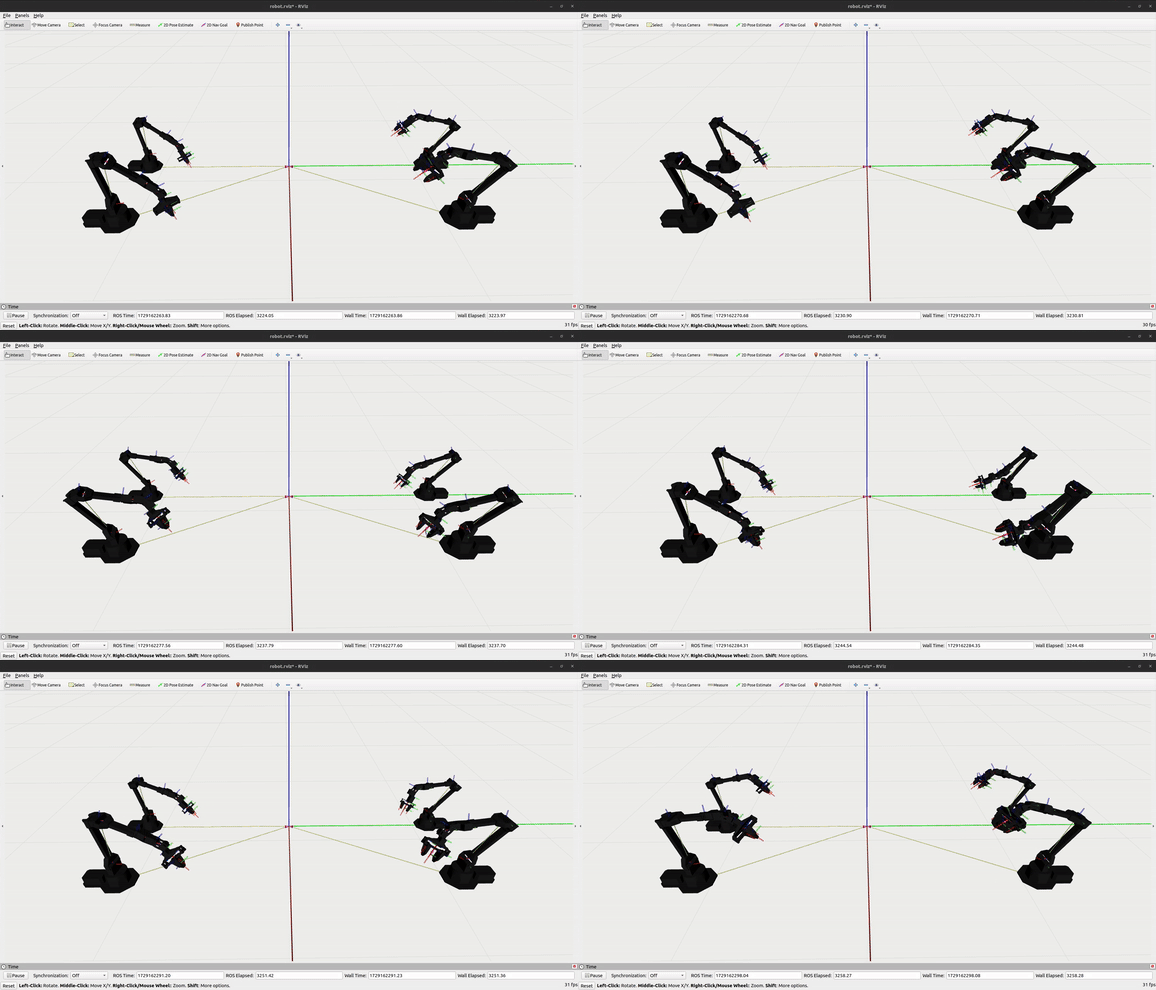
Start the RViz visualization:
roslaunch aloha_viz view_robot.launch
Depth cameras
Launch each RealSense D405 camera (sequentially):
roslaunch aloha_realsense_cameras d405_01.launch
roslaunch aloha_realsense_cameras d405_02.launch
roslaunch aloha_realsense_cameras d405_03.launch
roslaunch aloha_realsense_cameras d405_04.launch
Use Cases
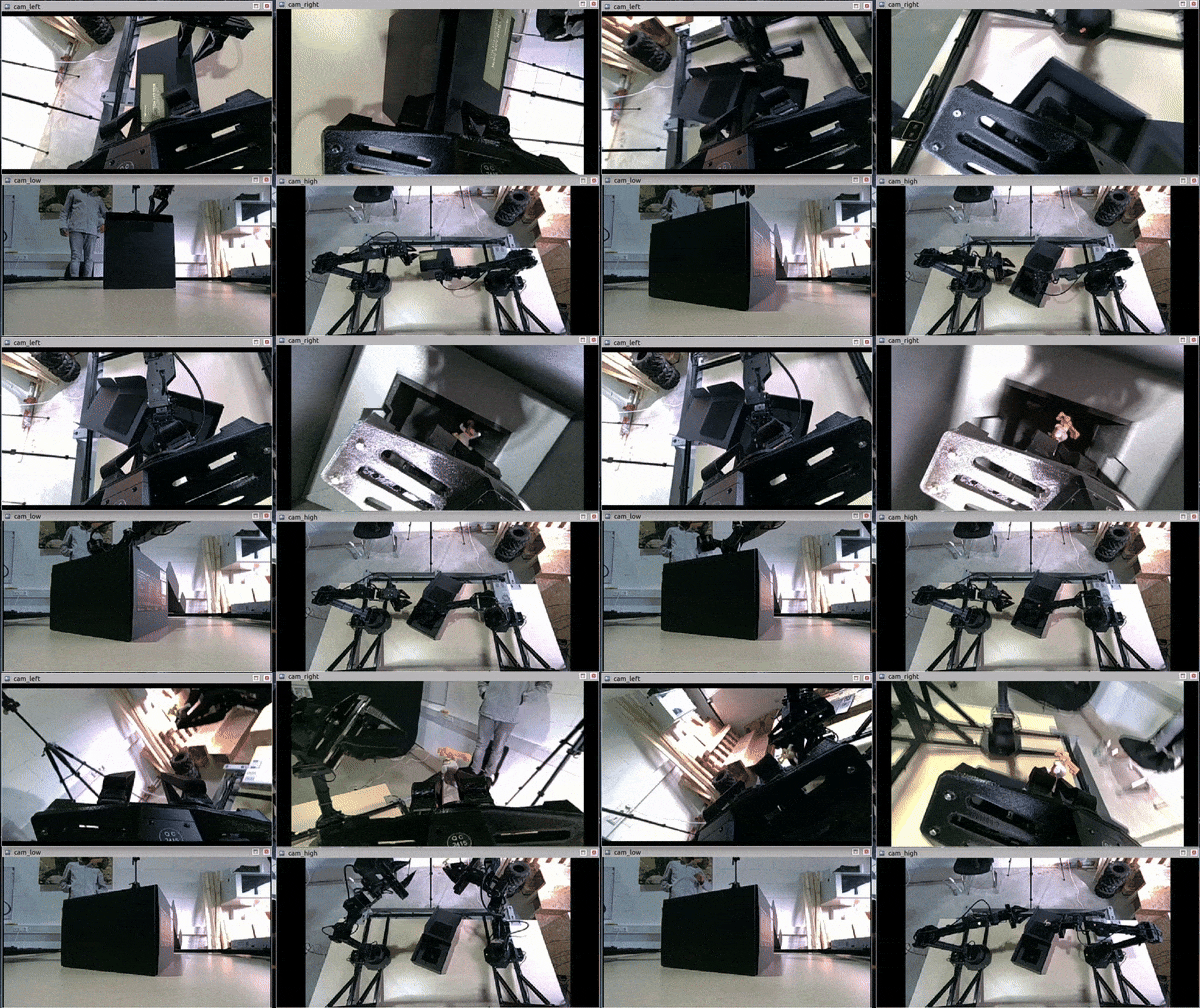
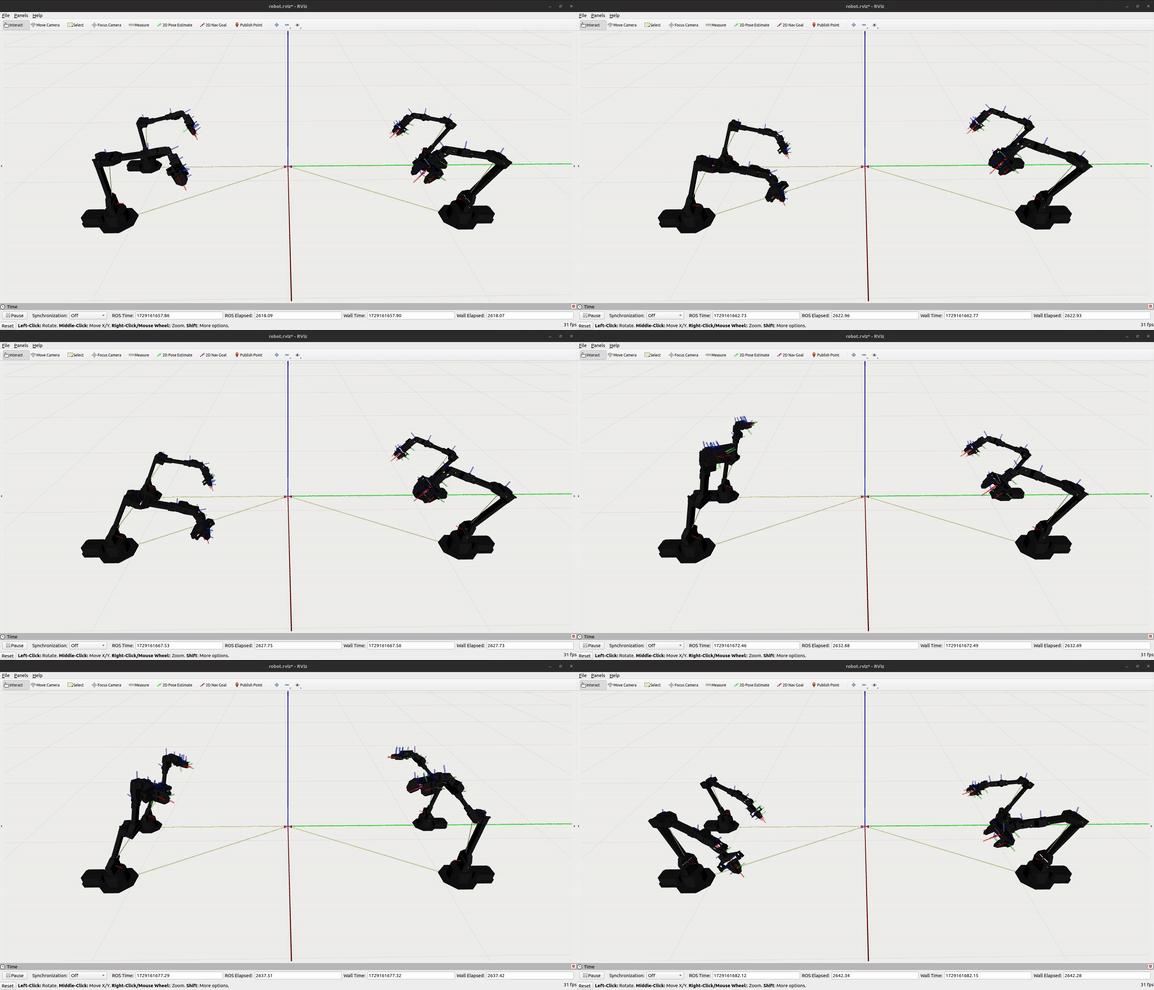
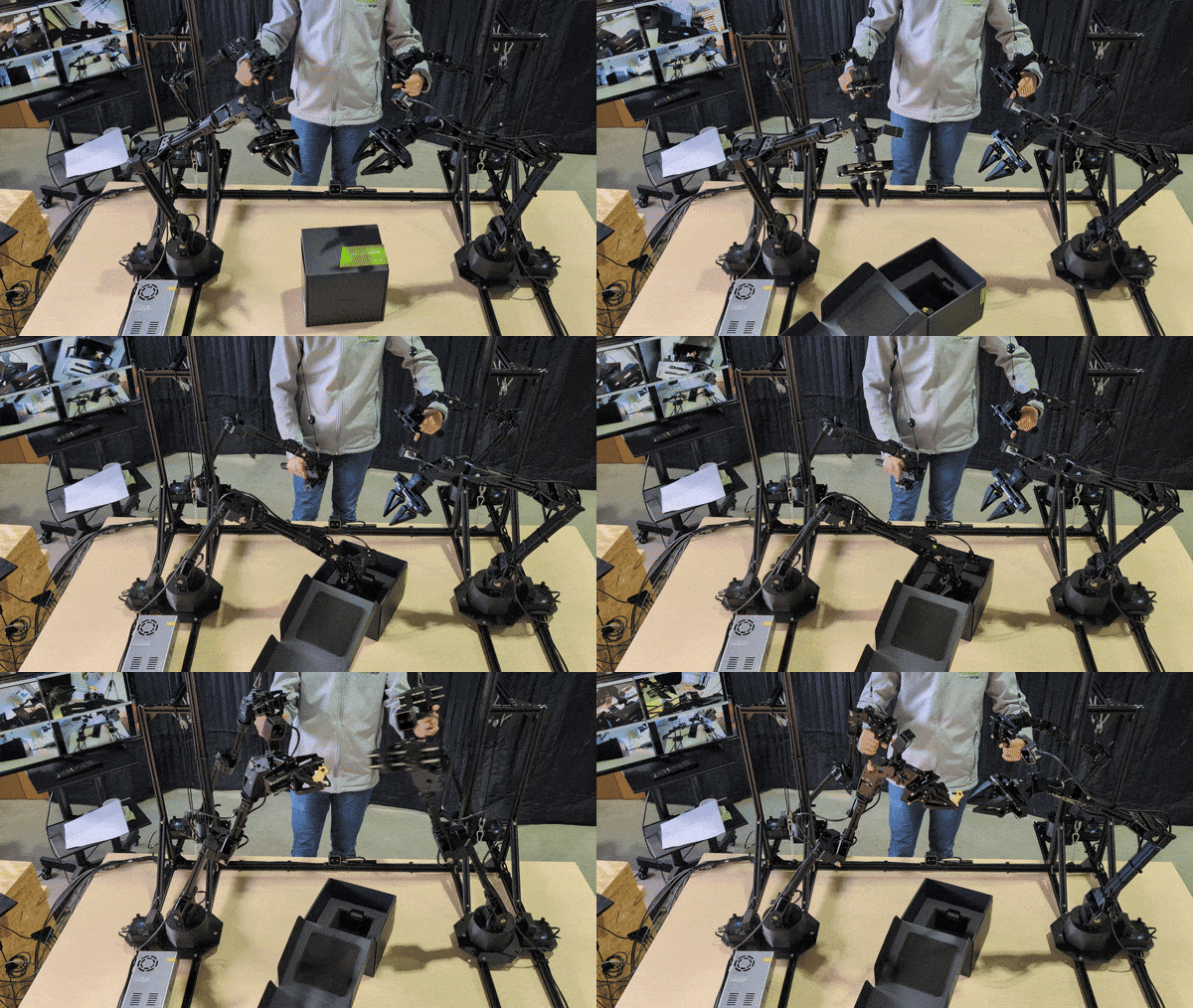
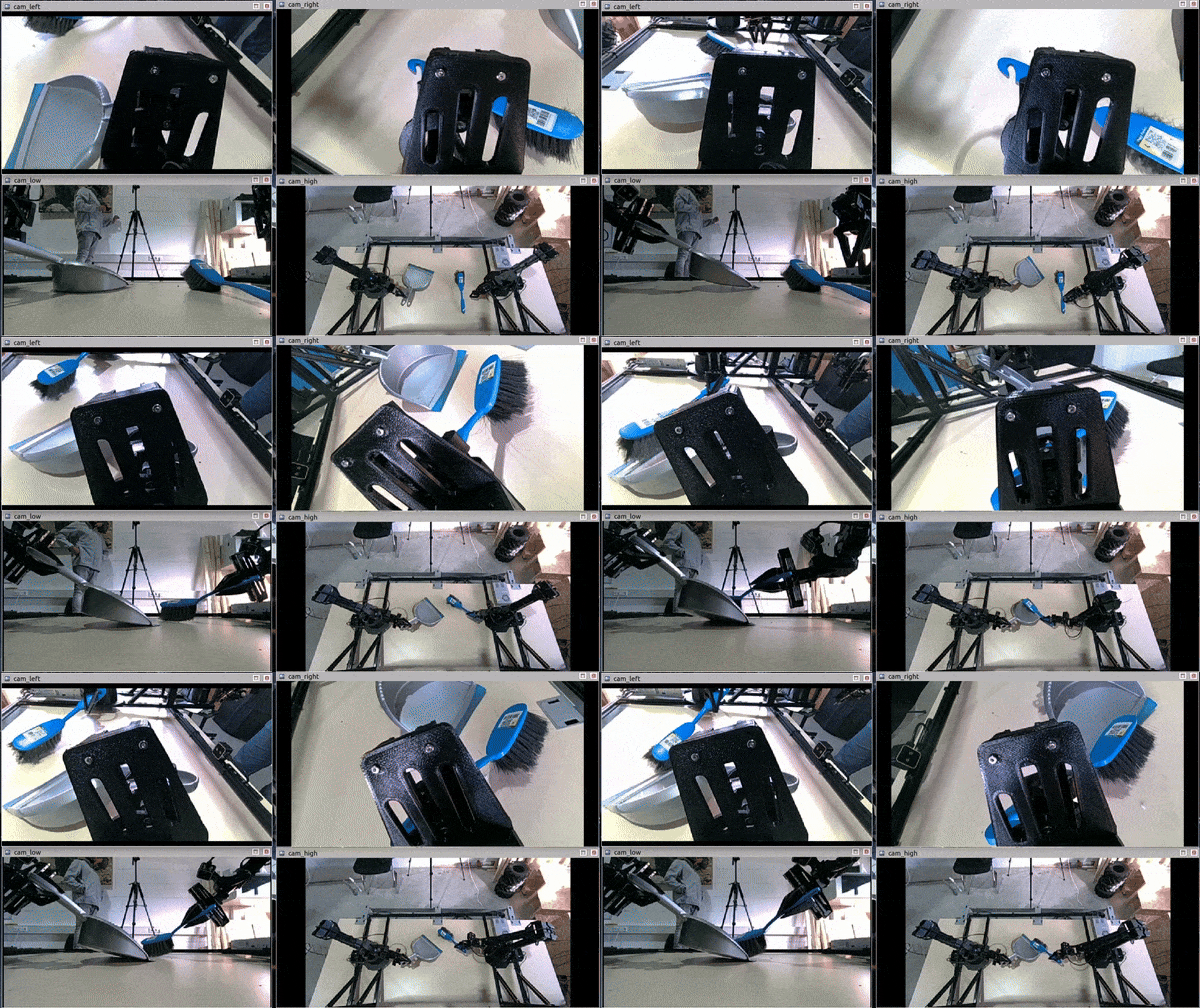
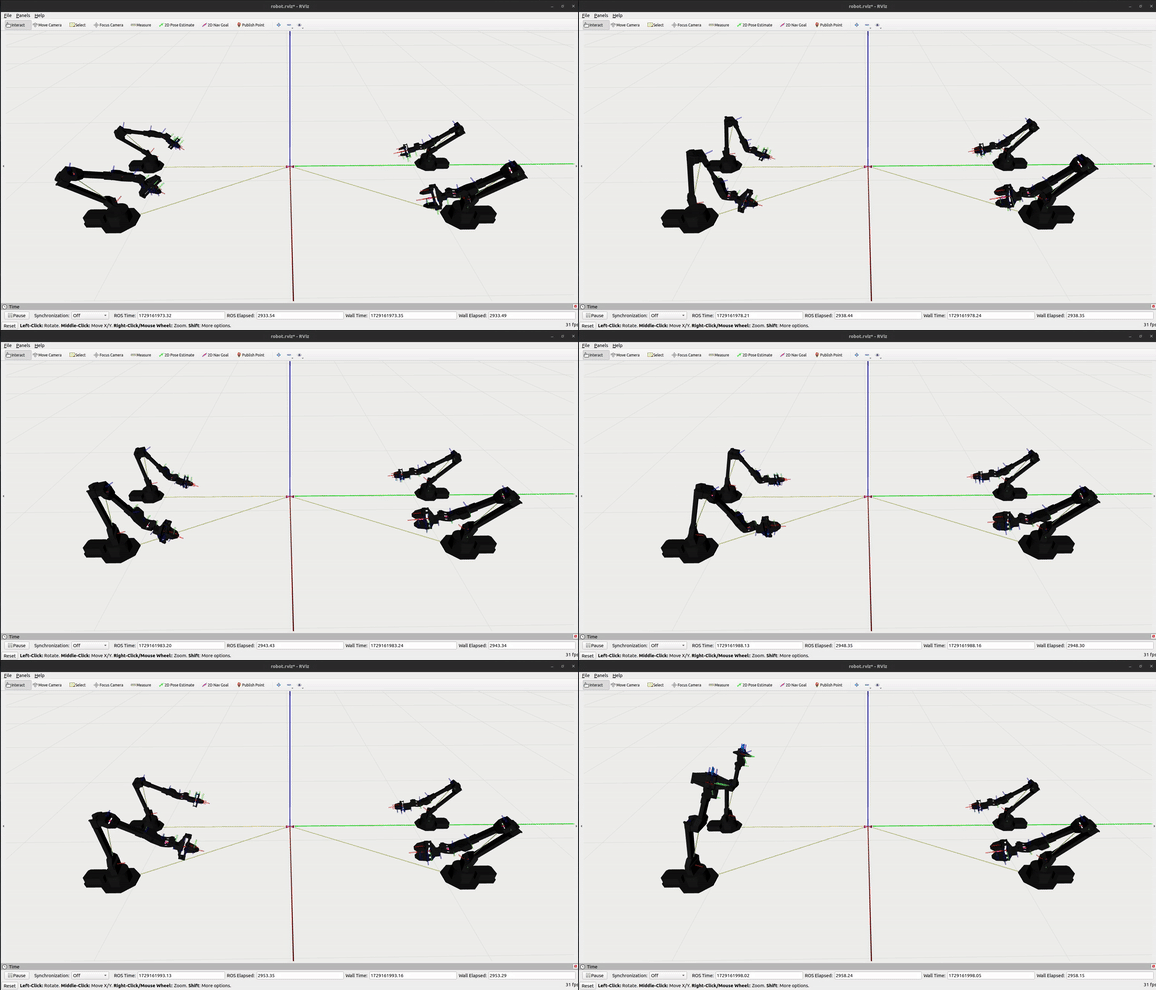
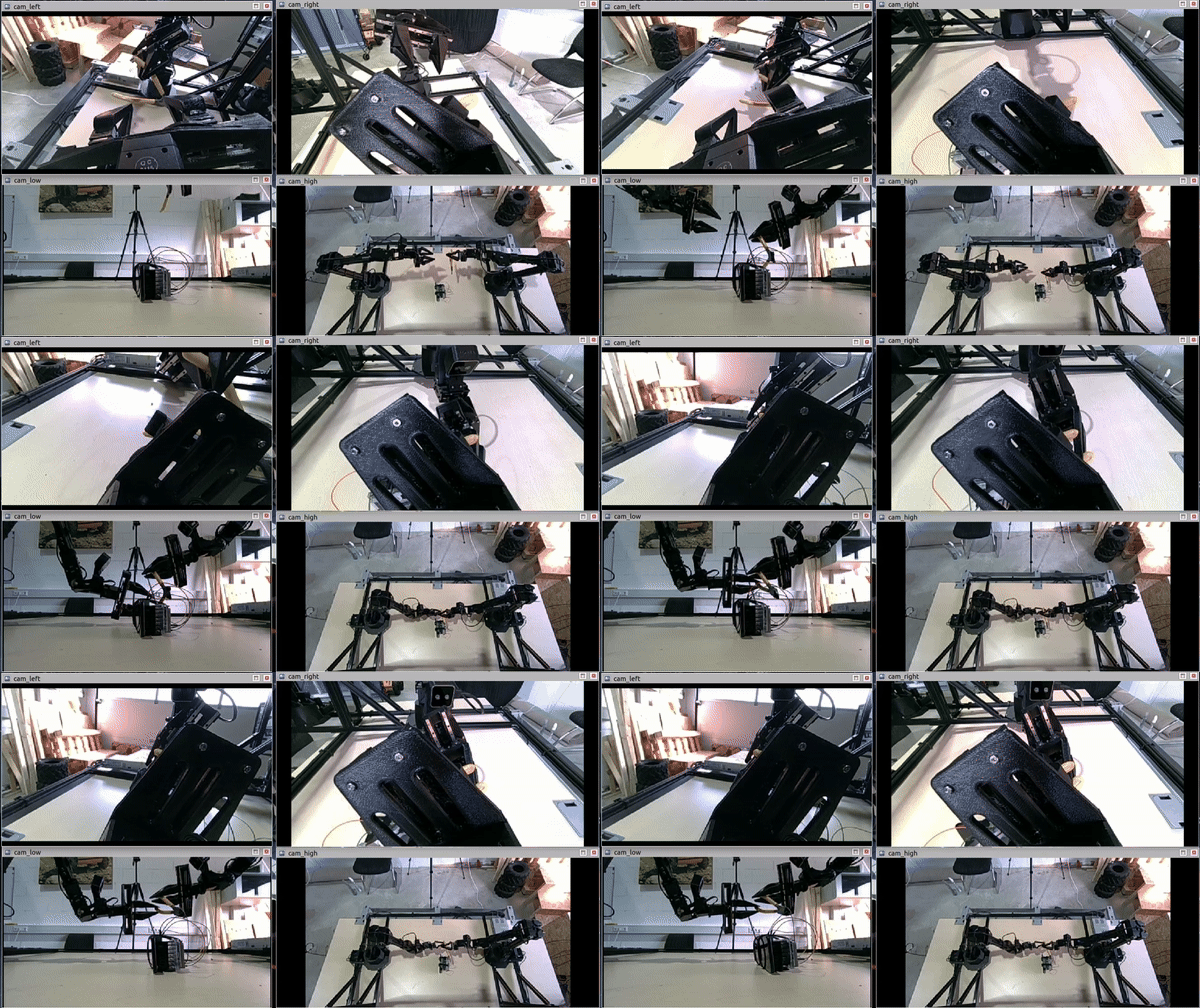
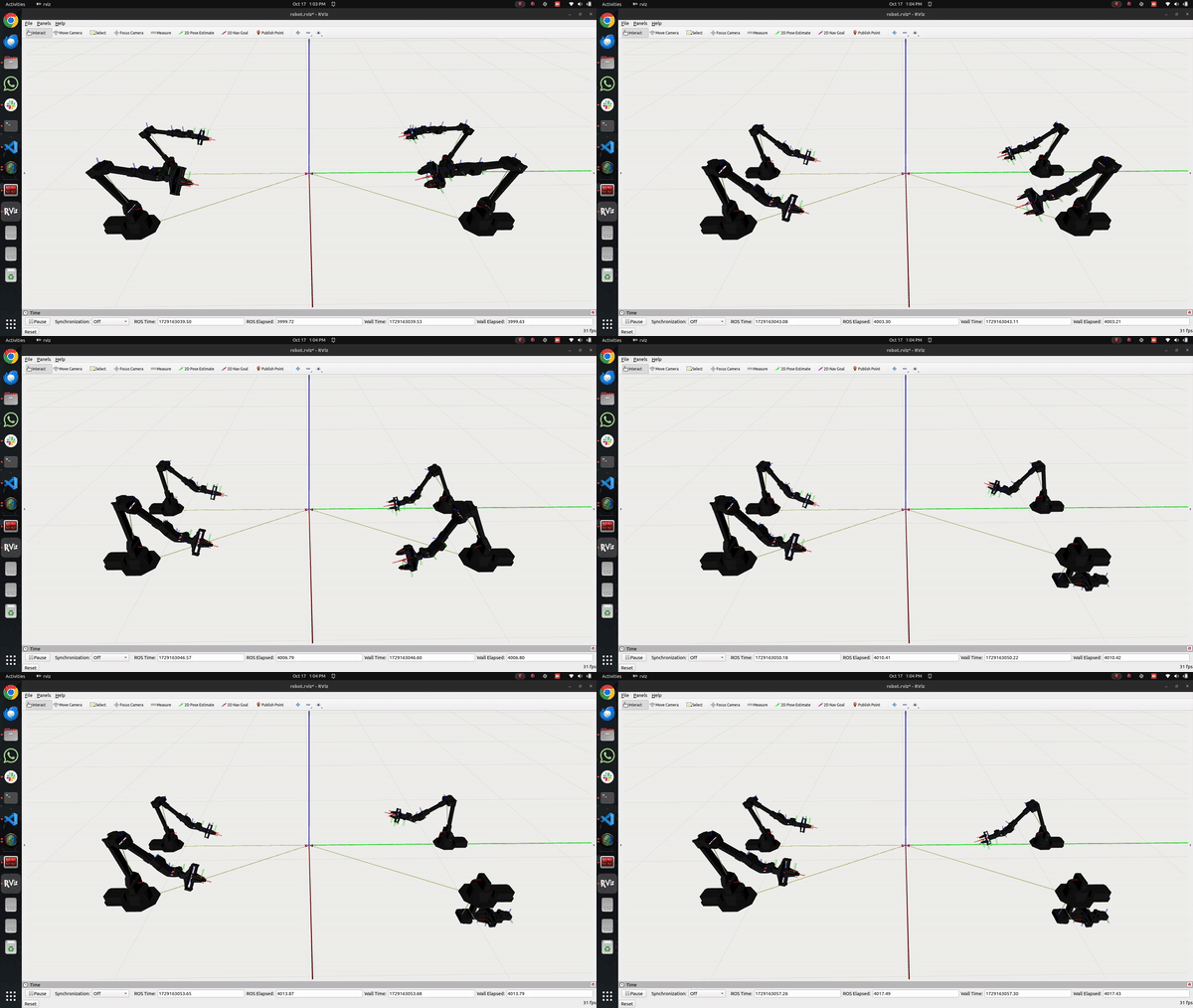
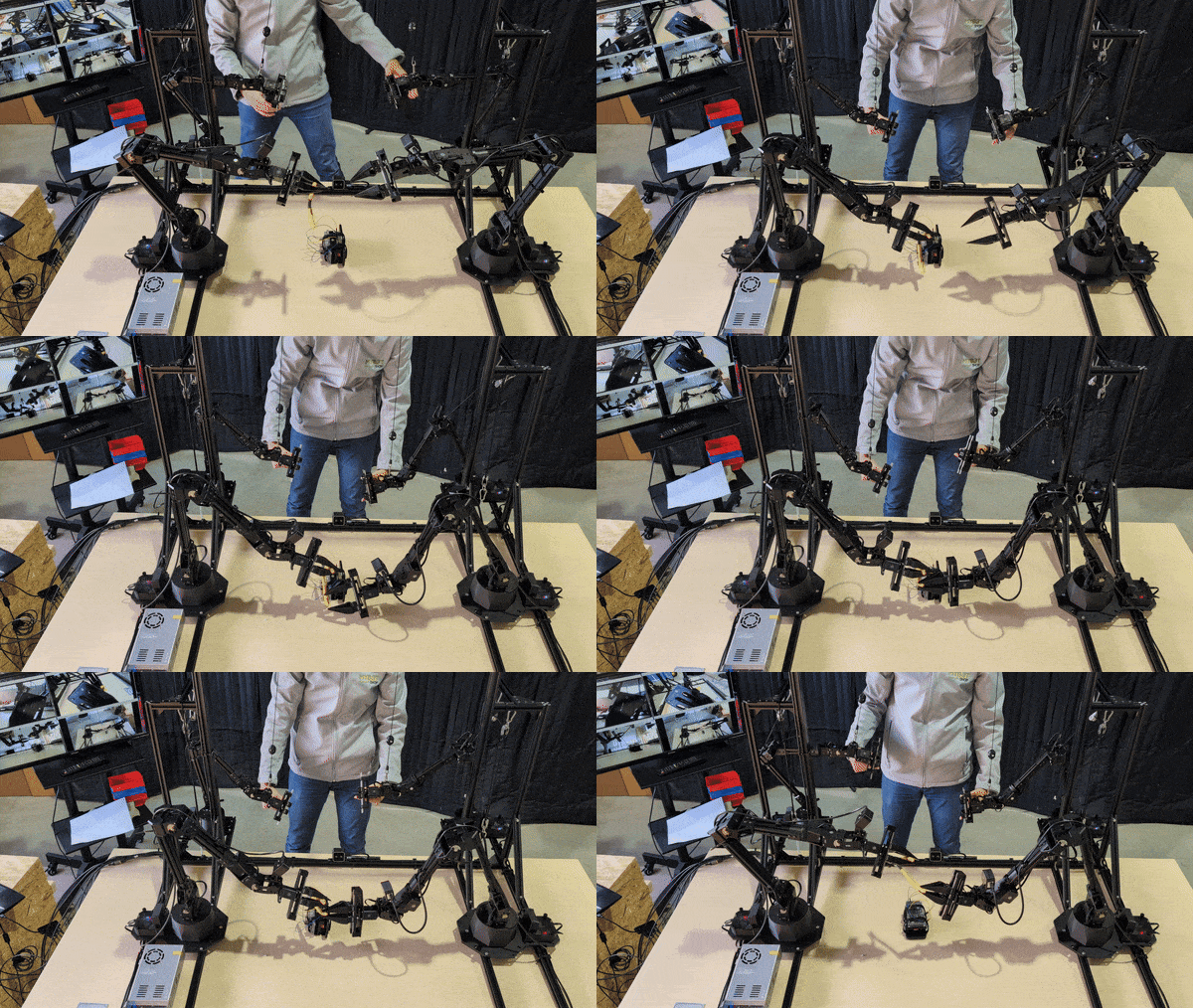

The following demonstrations highlight how ALOHA 2 performs in real tasks, with synchronized camera views, RViz visualizations and real-world footage.
1. Box Unboxing A precise bimanual task where ALOHA 2 opens a box and removes its contents, demonstrating coordinated motion and contact-rich manipulation.
|
|
|
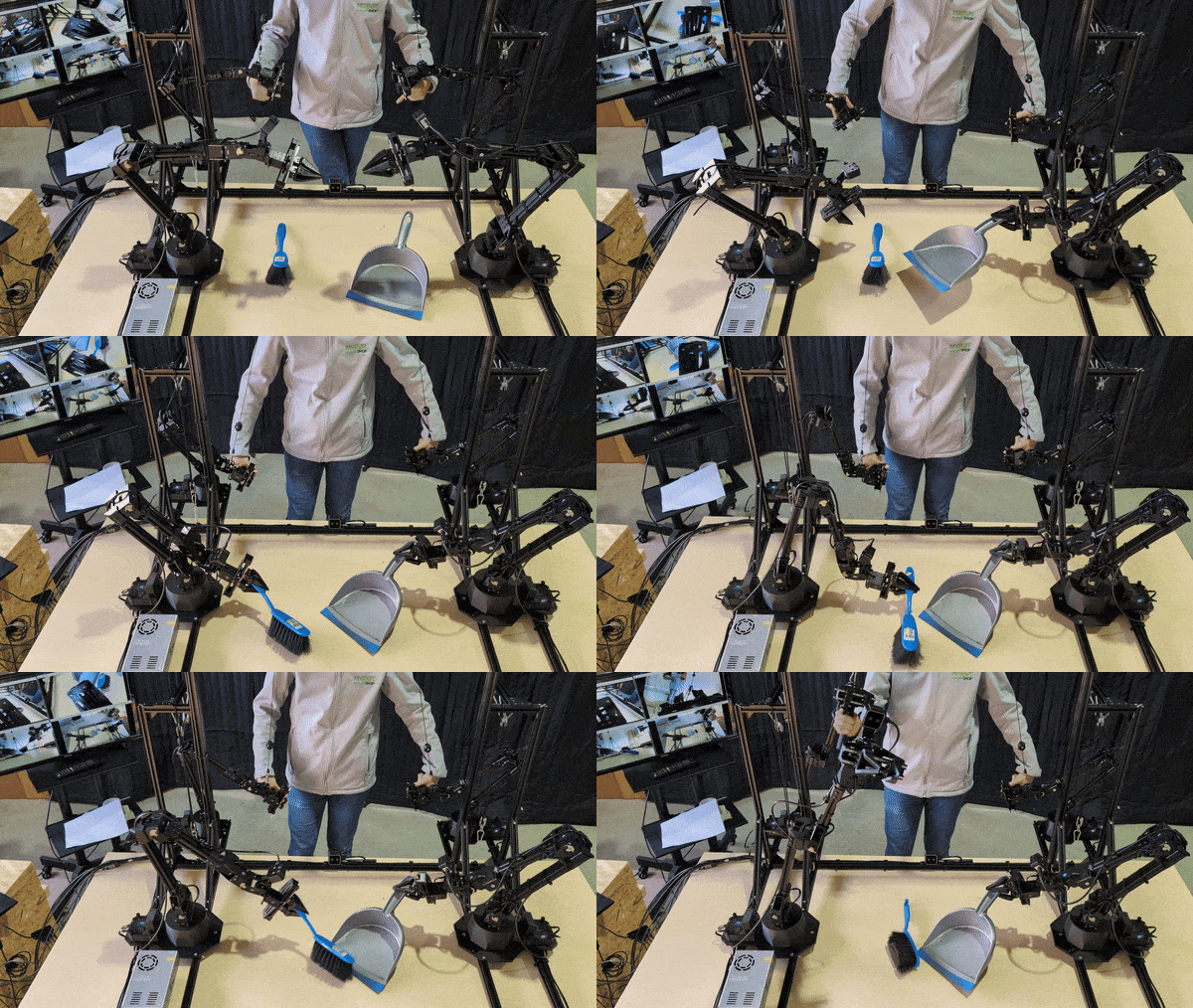
2. Taking Garbage with Small Brush ALOHA 2 uses a small brush to gather scattered debris, highlighting delicate surface interaction and precise tool control.
|
|
|
Removing/Cutting Wires from an Electronic Board
ALOHA 2 carries out fine manipulation on a circuit board, cutting and removing wires in confined spaces.
|
|
|
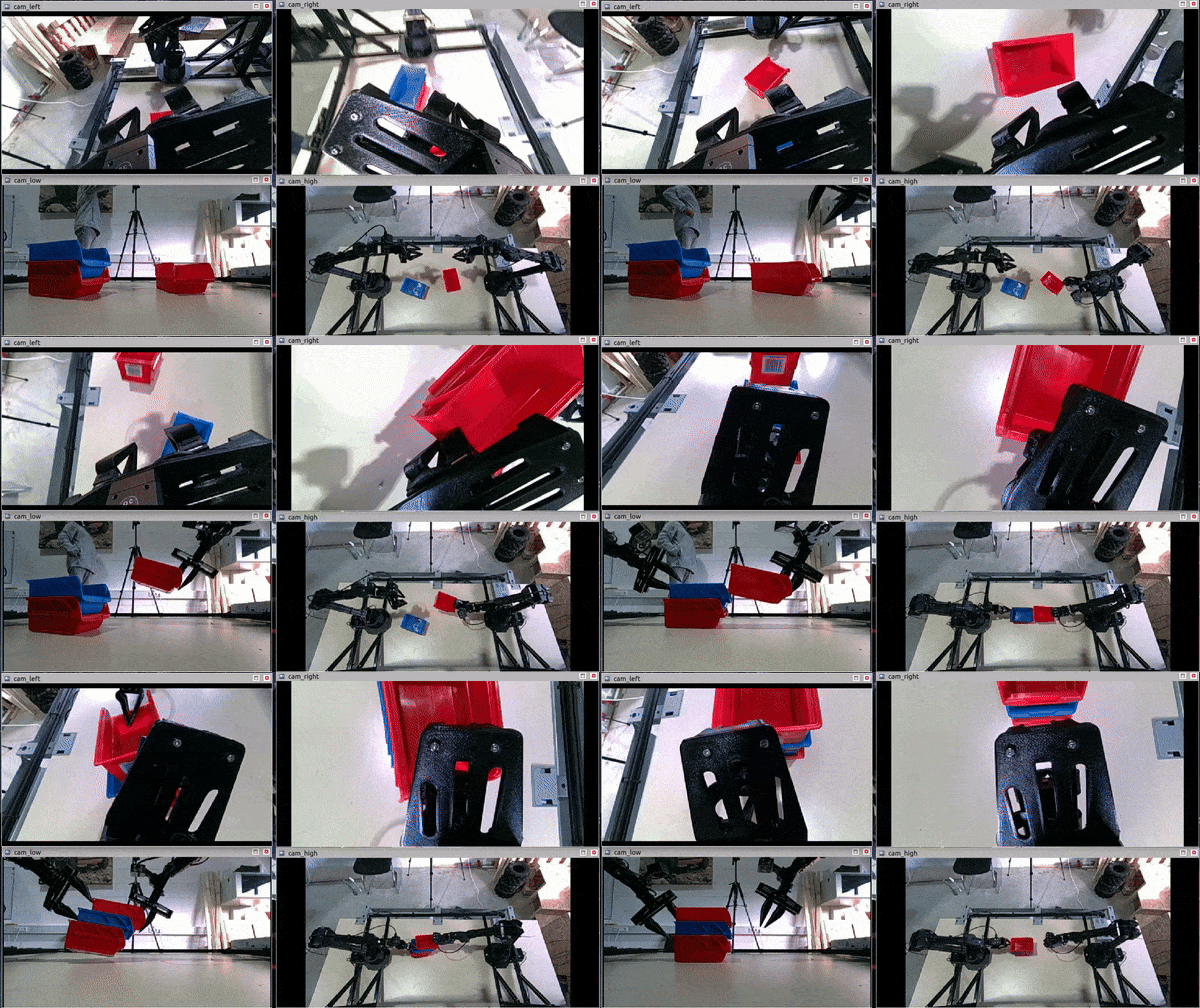
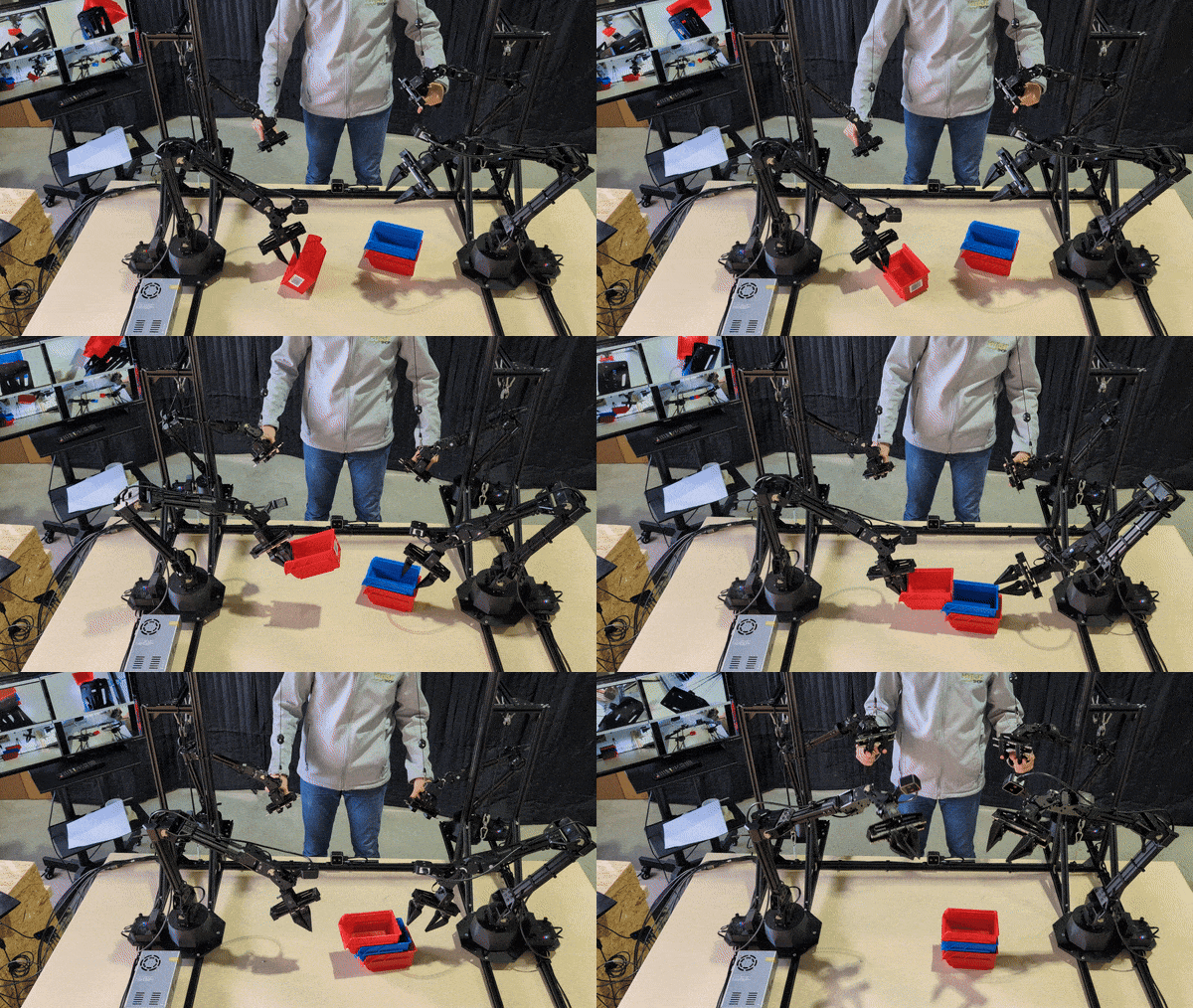
Assembling Lego-Type Organizer Boxes
ALOHA 2 assembles small containers, demonstrating accurate positioning and assembly skills in limited workspace.
|
|
|

Making Tea
ALOHA 2 prepares a cup of tea, which includes handling containers, pouring liquid and coordinating multiple steps—illustrating suitability for service robotics.
|
|
|
Special thanks are given to the MuJoCo ALOHA 2 project for providing key resources and contributions to this platform.